
Focusrite Scarlett Solo 4th Gen
4.6Editor score
USB-C connectivity
Air mode included
120dB dynamic range
This guide compares the top Focusrite USB audio interfaces for recording music, offering detailed insights into features, sound quality, and connectivity for
Choosing the right audio interface is crucial for musicians and producers seeking professional sound quality. Focusrite has long been a trusted name in the industry, offering reliable hardware that bridges the gap between analog instruments and digital recording systems.
We evaluated ten real products based on their technical specifications, user feedback, and overall value. This list covers everything from compact solo units to multi-channel interfaces designed for larger studio setups and streaming applications.
Each pick highlights key strengths and specific use cases to help you find the ideal match for your workflow. Please note that product availability and pricing may change over time, so check current listings before purchasing.
4.6Editor score

4.7Editor score

5.0Editor score
The following table provides a side-by-side overview of all ten models. It highlights core specifications such as input counts, sample rates, and unique features to help you compare them quickly.




This model is a top choice for songwriters and solo performers looking for professional sound without breaking the bank. It features a robust mic preamp and high-resolution converters that match flagship interfaces.
We may earn a commission when you buy through this link, at no additional cost to you.
The Air mode adds richness to vocals, while the included software bundle provides everything needed to start recording immediately. Its USB-C connection ensures modern compatibility and fast data transfer.
While it lacks extra inputs for larger setups, the single channel is sufficient for most bedroom producers. The build quality remains durable enough for transport and frequent use.
Buy this if you need a reliable interface for vocals and guitar. It delivers studio-quality results and is highly recommended for beginners.
High dynamic range and flagship converters ensure your recordings sound professional and detailed.
Included plugins and DAWs allow you to mix and master right out of the box.
We may earn a commission when you buy through this link, at no additional cost to you.
This interface stands out with its dual inputs and unique Gain Halo feature that helps users set levels quickly. It is perfect for recording a duo or instrument and vocals simultaneously.
We may earn a commission when you buy through this link, at no additional cost to you.
The Auto Gain feature ensures optimal recording levels without guesswork. Loopback functionality makes it ideal for streaming and podcasting by routing system audio directly into the stream.
Some users might prefer more advanced routing options, but the core performance is solid. The gain range is wide enough to accommodate both low-output and high-output microphones.
Buy this if you need flexibility for multiple sources. It is a reliable workhorse for home studios and content creators alike.
Illuminated rings make setting input levels easy and intuitive for beginners and pros.
Easily combine computer audio and microphone input for professional-sounding broadcasts.
We may earn a commission when you buy through this link, at no additional cost to you.
This bundle provides the exact essentials for starting a recording setup. It includes the interface, a quality cable, and software, removing the need to hunt for extra accessories.
We may earn a commission when you buy through this link, at no additional cost to you.
The 24-bit/192kHz resolution ensures pristine audio capture. USB-C connectivity offers seamless integration with modern Macs, Windows PCs, and iPads.
While it shares the same limitations as the standard solo model, the added value of the bundle makes it an attractive deal. Setup is straightforward thanks to class-compliant drivers.
Buy this if you want a complete start kit. It is perfect for solo vocalists and guitarists needing immediate functionality.
Get the interface and essential cabling in one purchase for immediate use.
Class-compliant design works effortlessly across all major operating systems.
We may earn a commission when you buy through this link, at no additional cost to you.
This model remains a popular choice despite the release of newer generations. It features the trusted 3rd generation preamps and Gain Halos that made the brand famous.
We may earn a commission when you buy through this link, at no additional cost to you.
Air mode adds presence to vocals, making them stand out in a mix. The 24-bit/192kHz converters deliver high detail and clarity for professional recordings.
Since it uses USB-A, it may require adapters for newer computers. However, the sound quality and reliability continue to satisfy many users in the market.
Buy this if you prefer a proven interface at a competitive value. It is a solid choice for those who want classic performance.
Simplified setup process gets you recording in minutes rather than hours.
Natural sounding amplifiers deliver clean signal capture for vocals and instruments.
We may earn a commission when you buy through this link, at no additional cost to you.
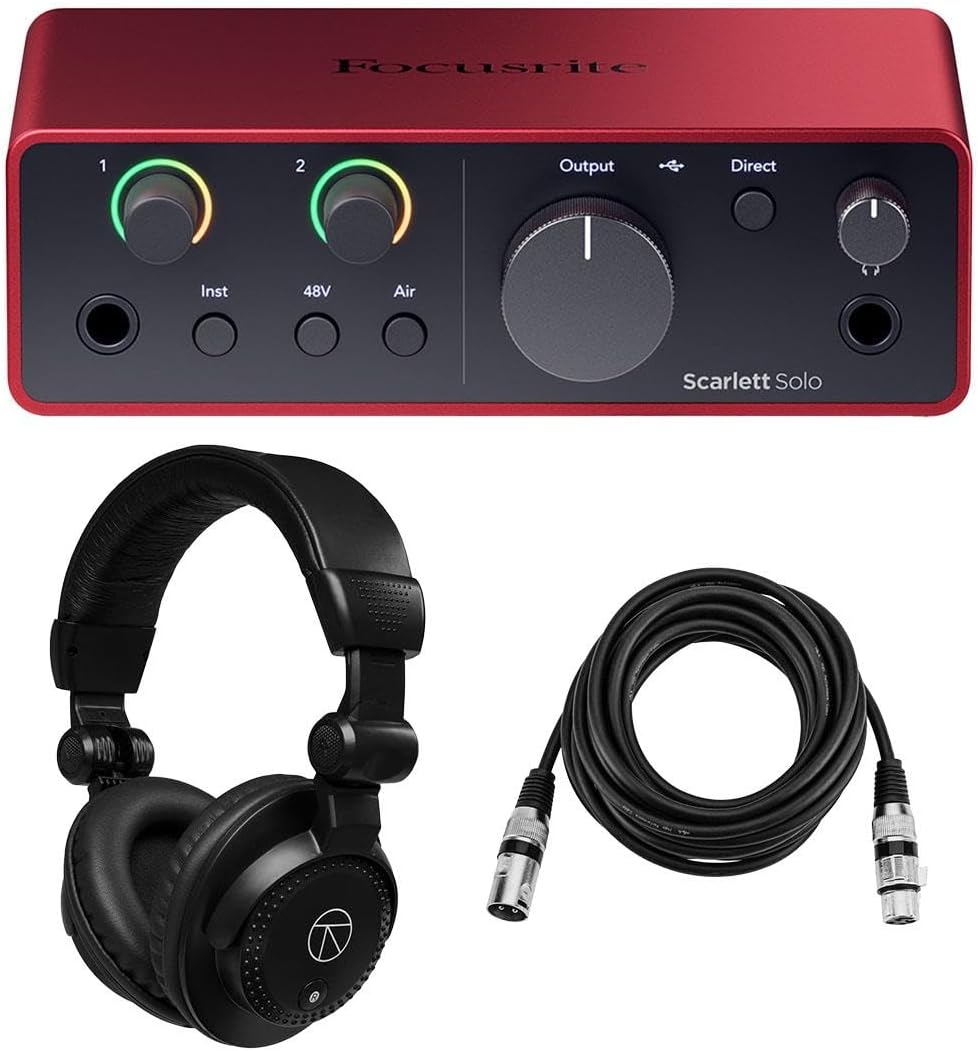
This comprehensive kit includes the 4th generation interface plus headphones and a cable. It is designed to offer a complete recording experience in one package.
We may earn a commission when you buy through this link, at no additional cost to you.
The 4th generation preamps offer improved gain range and clarity. High-resolution converters ensure that every detail of your performance is captured accurately.
While the included accessories are useful, you might prefer to choose them separately. However, the convenience of a bundled set saves time and ensures compatibility.
Buy this if you want a one-stop shop for your studio. It is ideal for setting up a new room quickly and efficiently.
Included headphones allow for accurate monitoring and playback of your tracks.
Latest generation amplifiers provide superior signal quality and lower noise.
We may earn a commission when you buy through this link, at no additional cost to you.
This bundle delivers a full setup for solo artists needing a mic and instrument input. The included headphones and cable ensure you can start recording immediately.
We may earn a commission when you buy through this link, at no additional cost to you.
The Hitmaker Expansion software offers professional tools for production. Auto Gain and Clip Safe features protect your recordings from distortion during setup.
The single input limits recording two sources at once, but that is expected for this model. The headphone output quality is strong enough for detailed monitoring.
Buy this if you need an all-in-one solution for solo work. It simplifies the purchasing process and ensures you have all necessary tools.
Access professional plugins and tools to polish your sound after recording.
Automated features help you set levels quickly and avoid technical issues.
We may earn a commission when you buy through this link, at no additional cost to you.
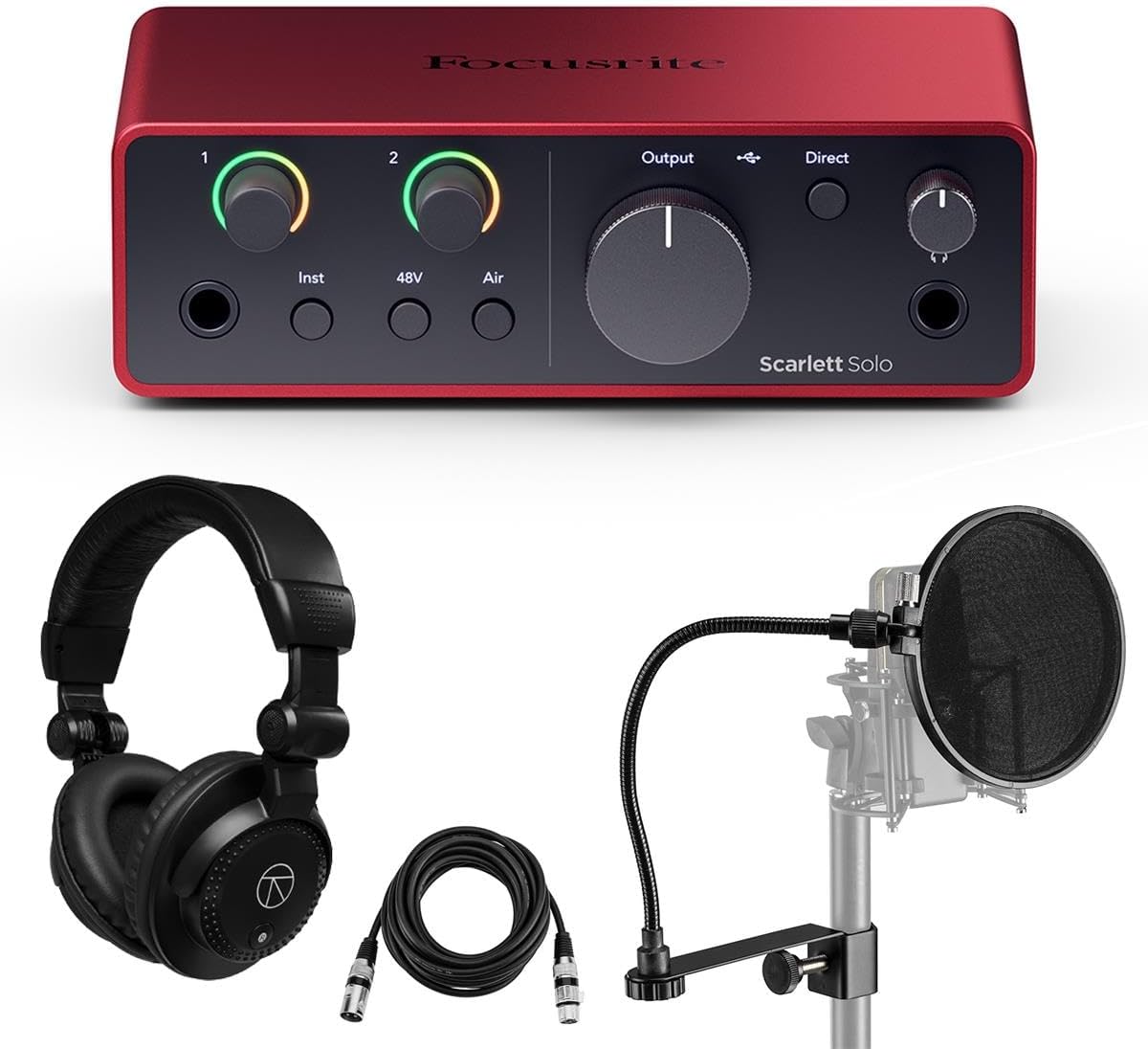
Designed for vocalists, this bundle adds a pop filter to the standard interface kit. It helps reduce plosive sounds and improves overall vocal quality.
We may earn a commission when you buy through this link, at no additional cost to you.
The software suite includes essential tools for mixing and mastering. Focusrite Control 2 software allows you to manage routing and monitor levels easily.
The compact size remains convenient for small desks and portable setups. While it supports only one instrument, it handles vocals and guitar exceptionally well.
Buy this if you focus on vocal recording. It provides the specific tools needed to capture clean and professional vocal tracks.
Reduces harsh plosives to ensure smooth and professional vocal recordings.
Manage your inputs and outputs with intuitive software control.
We may earn a commission when you buy through this link, at no additional cost to you.
This model expands connectivity significantly with multiple line inputs and digital connections. It is designed for projects that require more than just a few tracks.
We may earn a commission when you buy through this link, at no additional cost to you.
It supports ADAT and SPDIF for connecting external gear. The bundle includes headphones and cables, making it ready for complex recording sessions.
The power supply requirement and larger footprint mean it is best for stationary setups. Its reliability and high sample rates make it suitable for professional work.
Buy this if you need extensive connectivity. It supports full band recording and advanced routing for larger studios.
Multiple inputs and digital ports allow for connecting full bands and synths.
Seamless integration with major operating systems ensures easy setup.
We may earn a commission when you buy through this link, at no additional cost to you.
This interface offers a comprehensive set of inputs for recording full bands or large sessions. It includes four mic preamps and eight line inputs for maximum flexibility.
We may earn a commission when you buy through this link, at no additional cost to you.
The bundle provides everything from headphones to extra cables. Auto Gain and Clip Safe features simplify the setup process even with complex routing.
It requires an external power source and occupies a significant desk space. However, the quality and capacity are unmatched for serious production environments.
Buy this if you run a professional studio. It handles large projects with ease and ensures top-tier sound quality.
24-bit/192kHz resolution captures every nuance of your performance.
Loopback and automatic features streamline the recording process.
We may earn a commission when you buy through this link, at no additional cost to you.
This classic model remains a favorite for its simplicity and robust build. It provides a clean mic preamp and instrument input in a lightweight package.
We may earn a commission when you buy through this link, at no additional cost to you.
It includes Pro Tools First and plugin suites to help you start producing. The 48V phantom power allows use with condenser microphones.
While it lacks some features of newer models, it is reliable and easy to use. The compact design makes it easy to carry for live or location recording.
Buy this if you want a simple and reliable interface. It is a timeless choice for those who value straightforward recording.
Lightweight and tough enough to take anywhere for mobile recording.
Get essential effects and recording software to start creating immediately.
We may earn a commission when you buy through this link, at no additional cost to you.
Selecting the right interface depends on your recording needs, budget, and the instruments you use. Consider these factors before making a decision.
Determine how many simultaneous inputs you need. Solo models have one mic and one instrument input, while multi-channel interfaces support full bands.
Ensure the interface has enough jacks for your microphones and instruments.
The preamp determines the clarity and noise floor of your recordings. Look for recent generations that offer Air mode and low noise.
High gain range allows you to use both dynamic and condenser microphones effectively.
Check if the interface uses USB-C or USB-A. USB-C is standard for modern Macs and Windows PCs but adapters may be needed.
Class compliant designs ensure plug-and-play functionality without driver issues on most systems.
Look for 24-bit resolution and high sample rates like 192kHz. This provides professional quality and headroom for processing.
Higher resolution ensures your recordings capture every detail without loss of fidelity.
Most bundles include DAWs and plugins like Pro Tools or Ableton. These help you start recording without extra purchases.
Check the specific software version to ensure it fits your production workflow.
Consider the size and build of the interface. Compact models are great for travel, while larger ones suit permanent studio setups.
Ensure the layout and knobs are intuitive for your recording style.
Compare the interface cost with any included bundles. Bundles can offer significant savings by including cables and headphones.
Set a realistic budget that balances quality and essential features.
Look for ADAT or SPDIF if you plan to add more inputs later. This allows you to scale your studio over time.
Check the device manual for maximum channel limits and connection types.
Connect your interface to your computer using the provided cable and plug in your microphone and headphones. Ensure your audio settings in your OS are set to use the Focusrite device as the default output.
Open your DAW software and select the interface as your audio driver. Adjust the gain knob while monitoring your signal to set the optimal level without clipping.
Keep your unit in a dry and dust-free environment. Avoid exposing it to extreme temperatures or moisture to ensure longevity and consistent performance.
Most modern Focusrite interfaces are class compliant and do not require specific drivers for basic use. However, installing the Focusrite Control software allows you to manage routing and settings more effectively.
Air mode emulates classic ISA preamps to add brightness and presence to your recordings. It enhances high-end detail and adds harmonic drive to vocals and instruments.
Yes, many Focusrite interfaces are compatible with USB-C iPads. Ensure you use the correct cable or adapter to connect your device to the iPad.
Bundles typically include DAWs like Pro Tools Artist or Ableton Live Lite along with plugins like Hitmaker Expansion. Check the specific listing to see what is included with your purchase.
Use the gain knob to adjust the input level while playing. The Gain Halos will indicate when your signal is optimal, green for good and red for clipping.
Only interfaces with multiple inputs like the 2i2 or 18i16 can record two instruments simultaneously. Solo models generally support one mic and one instrument at a time.
USB-C is newer and reversible, often found on modern computers. USB-A requires specific connectors and may need adapters for newer devices.
Yes, all Focusrite interfaces are designed to work with both Mac and Windows. Ensure your operating system meets the minimum requirements for the specific model.
We have reviewed ten top models ranging from compact solo units to multi-channel studio interfaces. Each offers high-quality sound and reliable performance for different recording needs.
Prioritize input count and build quality when selecting your interface. Consider bundles that include essential accessories to save time and ensure compatibility.
Check the latest listings for current availability and warranty details. Choosing the right interface now sets the foundation for your music production journey.