
Warrky 4K DisplayPort to HDMI Cable,6FT, Uni-Directional, DP to HDMI Cord
4.6Editor score
Affordable price with solid performance
Aluminum alloy shell for durability
Supports 4K UHD at 30Hz
This guide compares the top Displayport to HDMI Cable options for resolution, durability, and compatibility to help you choose the right adapter for your setup.
Finding the right Displayport to HDMI Cable is essential for connecting your computer to modern displays. These cables ensure smooth video and audio transmission without signal loss or compatibility issues.
We compared ten top-rated cables based on build quality, supported resolutions, and user feedback. Each option offers unique features for different needs and budgets in today's market.
Each pick highlights key strengths and potential limitations to help you decide. Prices and availability change frequently, so check current listings before making your final purchase decision.
4.6Editor score

4.7Editor score

4.8Editor score
This table compares the top ten Displayport to HDMI Cable models side by side. It highlights key specifications, resolution support, and build materials to simplify your selection process.




This UGREEN cable is a top choice for users needing reliable 4K video transmission from a computer to a monitor or TV. With a strong rating, it delivers consistent performance for work and entertainment setups.
We may earn a commission when you buy through this link, at no additional cost to you.
Its ability to support 1080P@120Hz makes it ideal for gamers or those needing smooth visuals. The double shielding and aluminum case ensure minimal interference and better heat dissipation during use.
While it offers great performance, it is strictly uni-directional. This means it only works from DP to HDMI, not the other way around. Users must verify their ports before buying to avoid confusion.
Anyone needing a solid cable for PCs to HDMI displays will find this model excellent. It balances price and features well, making it a safe recommendation for most standard setups.
The 1080P@120Hz support ensures smooth motion for games and videos without screen tearing or lag during playback.
Built with a nylon braided jacket and tinned copper conductors, this cable resists wear and tear for long-term daily use.
We may earn a commission when you buy through this link, at no additional cost to you.
Highwings offers a cost-effective solution for users needing basic 4K output from a laptop or desktop. It maintains clear video and audio sync for typical home or office use.
We may earn a commission when you buy through this link, at no additional cost to you.
The build includes multi-layer shielding and gold-plated connectors to protect against interference. A nylon-braided wire adds flexibility and resistance to bending damage over time.
It does not support higher refresh rates like 120Hz, which limits gaming performance. Also, like most in this class, it works only one way from DP to HDMI.
For budget-conscious buyers needing reliable 4K streaming or presentation capabilities, this cable fits well. It provides essential features without unnecessary cost or complexity.
Ensures synchronized high-definition audio and video output for an immersive experience during streaming or gaming sessions.
The nylon-braided wire has a long bend lifespan, ensuring it withstands frequent plugging and unplugging without damage.
We may earn a commission when you buy through this link, at no additional cost to you.
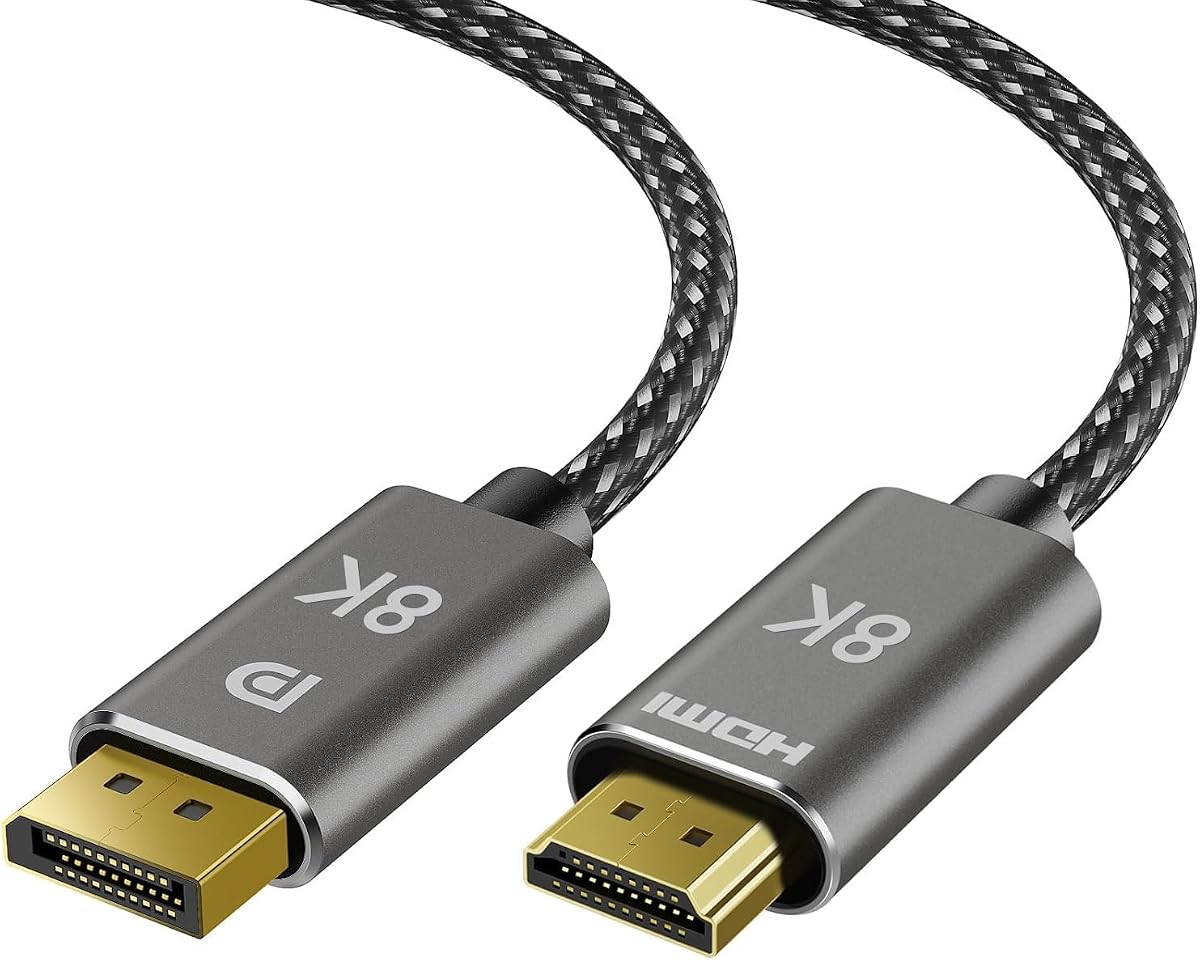
This active UGREEN cable is for those needing the highest resolution available. It supports 8K@60Hz and 4K@240Hz for future-proof setups with advanced displays.
We may earn a commission when you buy through this link, at no additional cost to you.
The active design allows conversion at 32.4 Gbps, supporting HDMI 2.1 features like HDR. This ensures vibrant colors and detail for media and professional work.
It is more expensive than passive cables and still works only one way. Users must have a DisplayPort 1.4 GPU to fully utilize its high-resolution capabilities.
Pros or users with high-end monitors will find this cable essential. It delivers cutting-edge performance for immersive visual experiences and demanding workflows.
Supports up to 8K@60Hz, bringing the latest HDMI advancements to your setup for unmatched clarity and detail.
Delivers up to 32.4 Gbps transmission to support high refresh rates and advanced features like HDR for vivid images.
We may earn a commission when you buy through this link, at no additional cost to you.
Warrky provides a sleek solution for connecting PCs to TVs or monitors. The aluminum shell offers both protection and a modern look for any desk setup.
We may earn a commission when you buy through this link, at no additional cost to you.
It supports 4K UHD and includes five-layer shielding for clean signal transmission. The gold-plated connectors help reduce corrosion and maintain audio clarity.
While it is well-made, it does not support bidirectional use. It is designed strictly for DP source to HDMI display connections only.
Those seeking a stylish cable with reliable performance will appreciate this model. It balances aesthetics with functionality for work and home use.
The lightweight aluminum alloy one-piece shell offers exceptional corrosion resistance and a sleek look for your setup.
Five-layer shielding achieves pristine signal transmission to get away from interference during video and audio streaming.
We may earn a commission when you buy through this link, at no additional cost to you.
Amazon Basics delivers a straightforward option for users needing basic connectivity. It supports Full HD video and audio channels for standard monitor or TV connections.
We may earn a commission when you buy through this link, at no additional cost to you.
The gold-plated connectors and bare copper conductors enhance picture quality and pure sound. The design is passive and works without extra drivers or setup.
It lacks 4K support compared to others, which may limit use for high-res displays. Also note it is not USB-A compatible and works only one way.
For users with Full HD needs and trusted brand preferences, this cable works well. It offers reliable performance at a competitive price point.
Amazon Basics offers a reliable solution for basic connectivity needs with consistent quality and performance.
Gold-plated connectors enhance picture quality and sound while resisting corrosion and abrasion for long-term use.
We may earn a commission when you buy through this link, at no additional cost to you.
JSAUX stands out for its longer 10FT length, offering flexibility for room or desk setups. It supports 4K video for clear visuals on modern displays.
We may earn a commission when you buy through this link, at no additional cost to you.
The nylon exterior protects the cable from daily wear and tear. It is designed for common DP to HDMI setups without needing drivers or software.
While it supports 4K, it does not reach higher refresh rates like 120Hz. It remains strictly uni-directional for DP source to HDMI display.
Users needing extra length without sacrificing quality will find this model ideal. It provides reliable performance for presentations and home media.
The 10FT cable length gives you more flexibility for desk setups, meeting rooms, home offices, and entertainment spaces.
Built with a durable nylon exterior for daily use, it helps provide a more reliable and tidy connection experience.
We may earn a commission when you buy through this link, at no additional cost to you.
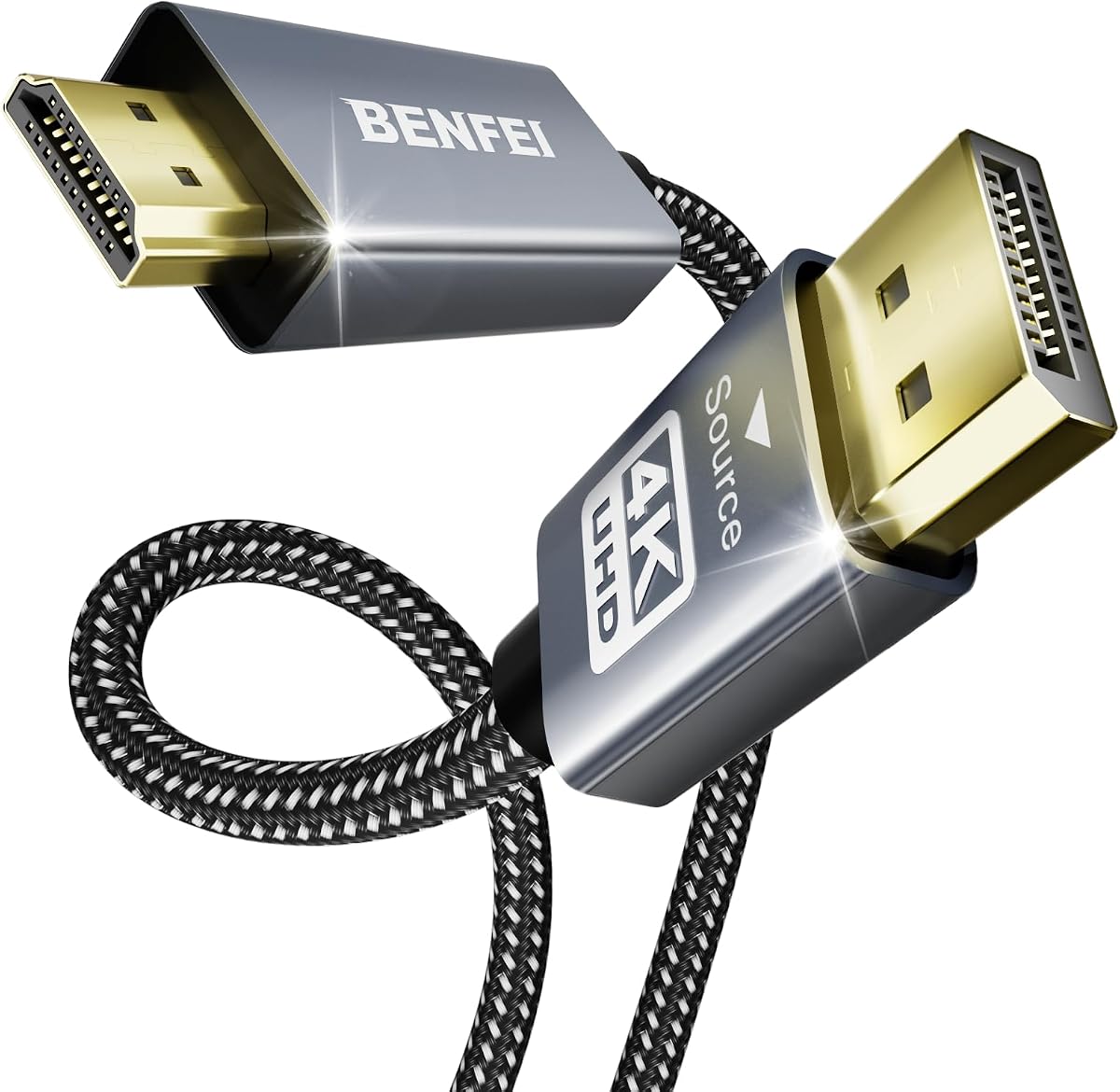
BENFEI is known for reliable cables and this 4K model continues that trend. It uses an advanced chip for accurate data streaming and stability.
We may earn a commission when you buy through this link, at no additional cost to you.
The aluminum shell and nylon braided layer protect the internal components from damage. It supports audio pass-thru for multi-channel sound systems.
It comes with an 18-month warranty for added peace of mind. However, it does not support bidirectional conversion like some other brands.
For users needing a durable cable with warranty protection, this is a strong choice. It handles everyday use well without signal dropouts.
Utilizes a better chip solution and professional multiple shielding for instantaneous and accurate data streaming.
Exclusive Benfei Unconditional 18-month Warranty ensures long-time protection of your purchase with friendly customer service.
We may earn a commission when you buy through this link, at no additional cost to you.
Cable Matters offers a 2-pack that is great for setups needing multiple connections. It supports Full HD for standard monitors and projectors.
We may earn a commission when you buy through this link, at no additional cost to you.
The DisplayPort connector with latches ensures a secure connection preventing accidental unplugging. Gold-plated connectors reduce interference for stable performance.
While it lacks 4K support, the 2-pack adds significant value for office or classroom setups. It is reliable for mirrored or extended display modes.
Anyone needing two cables for different rooms or backup will find this bundle useful. It balances cost and convenience for basic display needs.
This convenient DisplayPort to HDMI cable connects a DisplayPort equipped computer to an HDTV for multiple setups.
The DisplayPort connector with latches ensures a secure connection that prevents accidental disconnection during use.
We may earn a commission when you buy through this link, at no additional cost to you.
This cable supports 8K@60Hz and 4K@240Hz for advanced multimedia setups. It is designed for gaming and high-resolution displays with modern GPUs.
We may earn a commission when you buy through this link, at no additional cost to you.
It includes HDMI 2.1 features like HDR for vibrant colors and deep contrast. The braided jacket and secure latch ensure longevity and stable connections.
Users may need to update drivers for optimal resolution on some GPUs. Also note it does not support Variable Refresh Rate features.
For gamers or multimedia enthusiasts needing high refresh rates, this cable fits well. It delivers smooth performance for high-end display setups.
Utilize 4K 120Hz and 8K 60Hz video capabilities bringing the latest HDMI advancements to your setup.
A secure latch ensures a stable connection perfect for connecting to HDMI TVs or monitors during use.
We may earn a commission when you buy through this link, at no additional cost to you.
Cable Matters offers a premium option supporting 8K@60Hz and 4K@240Hz for future-proofing. It works with modern GPUs like NVIDIA RTX 40 series.
We may earn a commission when you buy through this link, at no additional cost to you.
It supports HDR and Dolby Atmos for immersive audio-visual experiences. The braided jacket and latch design ensure stability and protection over time.
Users must ensure their GPU supports DSC for 8K. Also, it does not support Variable Refresh Rate technologies.
This cable is ideal for advanced setups needing high bandwidth and resolution. It delivers smooth gameplay and media for high-end users.
Harness 4K 240Hz and 8K 60Hz capabilities with this DisplayPort to HDMI cable for unmatched resolution.
Fully compatible with DisplayPort GPUs like NVIDIA RTX 40 series delivering up to 4K@240Hz performance.
We may earn a commission when you buy through this link, at no additional cost to you.
Choosing the right cable requires considering resolution, length, build quality, and compatibility to ensure optimal performance for your setup.
Resolution support determines the maximum video quality you can achieve. Some cables support Full HD 1080p while others support 4K or 8K. Check your display capabilities to match the cable.
Higher resolutions require better bandwidth. For 4K, ensure the cable supports at least 4K@30Hz to avoid flickering or limited refresh rates.
Refresh rate impacts how smooth your video appears especially for gaming. Cables vary in support for rates like 60Hz or 120Hz at 1080p or 4K.
Bandwidth dictates data transmission speed. Cables with higher bandwidth support advanced features like HDR and better color depth for immersive visuals.
Most cables are uni-directional meaning they work only from DisplayPort source to HDMI display. Verify your device ports to ensure compatibility.
Using a cable in reverse may not work. If you need HDMI to DisplayPort, look for active adapters or separate conversion tools.
Build quality affects durability and signal stability. Look for braided nylon jackets and metal shielding to reduce electromagnetic interference.
Gold-plated connectors help prevent corrosion and ensure a strong connection over time for better audio and video performance.
Length is crucial for setup flexibility. Choose 6ft for close connections or 10ft for setups where devices are far apart.
Ensure the length doesn't cause slack or strain on the ports. Too much slack can lead to tripping hazards or cable damage.
Ensure the cable is compatible with your graphics card or laptop. Some active cables require specific GPU drivers for high resolutions.
Check manufacturer notes for supported devices. Some cables may not work with HDMI sources like game consoles or streaming sticks.
A warranty offers protection against defects. Many brands provide at least one year of warranty for added peace of mind.
Check customer support availability. Responsive support can help troubleshoot connection issues quickly after purchase.
Price often reflects features like resolution and build quality. Balance your needs with budget to avoid overspending on unnecessary specs.
Higher cost cables may offer better durability and advanced resolutions. Consider long-term value for your specific setup requirements.
Connect the DisplayPort end to your computer or graphics card and the HDMI end to your monitor or TV. Ensure both ends are securely latched to avoid signal loss or disconnects during use.
Adjust your display settings to match supported resolutions like 4K@30Hz or 1080p@60Hz. This ensures smooth visuals and prevents screen flickering or incorrect aspect ratios.
Store the cable properly when not in use. Avoid sharp bends or tight loops that could damage internal wires. A coiled storage method helps maintain durability over time.
Most Displayport to HDMI cables are not reversible and work only one way from DisplayPort source to HDMI display. You need a different adapter if you want to connect an HDMI source to a DisplayPort monitor.
No drivers are typically needed as these cables are plug-and-play passive adapters. Just ensure your graphics drivers are updated to support the desired resolution and refresh rate.
Many cables support 4K resolution but usually at 30Hz. For 4K@60Hz you may need active adapters or specific models designed for higher refresh rates.
Passive cables transmit signals directly without converting voltage levels. Active cables have chips that convert the signal and are needed for high resolutions like 8K or certain compatibility scenarios.
Check that the DisplayPort is connected to the source and HDMI to the display. Also ensure your display is set to the correct HDMI input and resolution settings match the cable capabilities.
No standard Displayport to HDMI cables work with gaming consoles since consoles are HDMI sources. You need an active HDMI to DisplayPort adapter for that reverse direction.
Yes most Displayport to HDMI cables support audio transmission alongside video. Ensure your display or speakers are connected properly to hear sound from your computer.
Use a soft dry cloth to wipe the connectors gently. Avoid liquids or abrasive materials that could damage the gold plating or internal pins.
The top picks include UGREEN 4K for overall performance Warrky for budget needs and UGREEN 8K for premium high-resolution setups. Each offers distinct strengths to suit different use cases.
Prioritize resolution and refresh rate support based on your display capabilities. Also consider build quality and length to ensure reliable connections for daily use.
Check current prices and availability before purchasing to get the best deal. These cables remain essential tools for connecting modern computers to HDMI displays.