
Plaud Note Pro AI Voice Recorder Transcribe & Summarize for Meetings Calls
4.5Editor score
Multimodal input context
AI directional audio
Ultra-slim design
This comprehensive guide compares the top AI meeting transcription devices for professionals, students, and businesses seeking accurate notes and summaries.
Modern professionals need reliable tools to capture conversations accurately. AI meeting transcription devices offer seamless recording, real-time summaries, and actionable insights to boost productivity.
We evaluated ten leading devices based on audio quality, transcription accuracy, battery life, and privacy features. Each pick offers unique strengths for different workflows and environments.
Every section highlights key specs, pros, cons, and use cases. Prices vary by retailer and over time, so verify current offers before purchasing your ideal device.
4.5Editor score

4.6Editor score

4.4Editor score
This side-by-side comparison highlights the core specifications of all ten devices, helping you choose based on battery life, language support, and recording modes.



The Plaud Note Pro stands out as the premier choice for professionals needing reliable, high-fidelity recording and transcription. Its combination of AI directional audio and multimodal input ensures every detail is captured with context.
We may earn a commission when you buy through this link, at no additional cost to you.
During meetings, the device allows you to snap photos of documents or type notes while recording, enriching the transcript with visual and written context. The Ask Plaud feature lets you query your recordings for specific insights, saving hours of manual review.
While the premium price may deter budget-conscious users, the investment is justified by the superior build quality, ISO 27001 compliance, and extensive transcription minutes included in the starter plan. The ultra-slim design ensures it fits discreetly in any pocket.
Ideal for legal, medical, and business professionals who handle sensitive information, the Plaud Note Pro delivers peace of mind with enterprise-grade security. Its seamless cross-device sync makes it a versatile tool for teams and individual users alike.
Capture audio, images, and text simultaneously to create comprehensive meeting records that include visual references like diagrams or whiteboards.
Interact with your recordings by asking specific questions to extract key points, draft emails, or get next-step suggestions without scrolling.
We may earn a commission when you buy through this link, at no additional cost to you.
The Pocket AI Voice Recorder redefines convenience with its MagSafe compatibility, allowing users to attach the device directly to their iPhone for hands-free recording. This feature alone makes it a top contender for mobile professionals.
We may earn a commission when you buy through this link, at no additional cost to you.
Pocket turns raw audio into structured conversation maps and action items automatically, ensuring you never miss a key decision. The Ask Pocket feature lets you dig deeper into your notes, extracting insights in seconds rather than minutes.
Battery life is impressive, lasting up to four days on a single charge, which is perfect for travelers or those with back-to-back meetings. However, its reliance on smartphone connectivity means it may not suit all offline scenarios.
For iPhone users seeking a seamless, effortless note-taking experience, the Pocket AI Voice Recorder is an outstanding choice. It balances powerful AI insights with a design that prioritizes ease of use and portability.
Attach securely to your iPhone for stable, hands-free audio capture during meetings or lectures without needing to hold the device.
Organize your recordings into visual maps that highlight key discussion points and action items for quicker review and follow-up.
We may earn a commission when you buy through this link, at no additional cost to you.
EurekaMind offers an impressive value proposition with unlimited transcription included in its free starter plan, making it ideal for high-volume users. Its web search AI allows you to enrich notes with external context, adding depth to your summaries.
We may earn a commission when you buy through this link, at no additional cost to you.
The device is incredibly thin at just three millimeters, fitting effortlessly into card holders or pockets without adding bulk. It intelligently switches between ambient and call modes, ensuring clear audio regardless of the recording environment.
While it lacks some of the advanced premium tools found in more expensive models, its core functionality is robust and reliable. Security standards like ISO 27001 ensure your data remains protected, which is crucial for professional use.
For students, journalists, or anyone needing frequent transcription without monthly fees, EurekaMind is a smart, budget-friendly choice. It delivers essential AI features without compromising on privacy or portability.
Enjoy unlimited transcription capabilities right out of the box, removing the need for costly monthly subscriptions.
Use built-in Ask AI to search the web for deeper insights beyond your recordings, enhancing the context of your notes.
We may earn a commission when you buy through this link, at no additional cost to you.
Comulytic Note Pro excels in industries like real estate, law, and finance thanks to its vertical knowledge base that captures technical jargon accurately. This specialized focus ensures transcription accuracy goes beyond generic term recognition.
We may earn a commission when you buy through this link, at no additional cost to you.
The device includes unlimited free transcription on its starter plan, a rare feature at this price point. With sixty-four gigabytes of storage and a forty-five-hour battery, it is built for marathon recording sessions without interruption.
Wi-Fi sync is significantly faster than Bluetooth, allowing real-time backups while you continue talking. While the premium plan unlocks advanced features, the core utility is strong enough for daily professional use without extra costs.
Professionals in specialized fields will appreciate the tailored insights and industry-specific terms. Comulytic Note Pro balances affordability with high performance, making it a versatile tool for diverse business environments.
Captures precise industry terms for sectors like insurance and law, improving transcription accuracy for professional jargon.
Pushes recordings to the cloud ten times faster than Bluetooth, ensuring quick access to files without interrupting conversations.
We may earn a commission when you buy through this link, at no additional cost to you.
Comu Action Pro sets a new standard with its ability to automatically generate editable documents like slides, emails, and to-do lists from conversations. This feature eliminates the need to manually format notes after meetings.
We may earn a commission when you buy through this link, at no additional cost to you.
With a seventy-hour battery life, the device is ideal for long conferences or multi-day events. The six-mic setup, including bone-conduction, ensures crystal-clear audio even in noisy environments, capturing every word precisely.
Translation support for one hundred thirteen languages makes it a powerful tool for global teams. While the price reflects its advanced capabilities, the time saved on document drafting justifies the investment for heavy users.
For those who want to move from recording to action instantly, Comu Action Pro is unmatched. Its intelligent workflow reduces administrative burden and helps you focus on what matters most in your work.
Transform raw conversations into editable slides, emails, and reports without needing prompts or writing skills.
Enjoy up to seventy hours of recording on a single charge, perfect for multi-day events or extended fieldwork.
We may earn a commission when you buy through this link, at no additional cost to you.
RECPOINT Note AI supports one hundred fifty languages, making it the top choice for international collaboration and multilingual interviews. Its GPT-5.5 engine delivers ninety-eight percent accuracy, ensuring precision across diverse accents.
We may earn a commission when you buy through this link, at no additional cost to you.
The device includes a generous allowance of free monthly AI minutes for transcription and translation, reducing the need for paid upgrades early on. Built with rugged aluminum, it withstands daily wear and tear while remaining slim.
End-to-end encryption and full data sovereignty give users complete control over their recordings. While the battery life is standard, the sheer range of languages and professional-grade accuracy make it a standout tool.
Researchers, international business professionals, and translators will find immense value in RECPOINT Note AI. It bridges language barriers effectively while maintaining the high standards of audio quality and security.
Access transcription and real-time translation for one hundred fifty languages, ensuring no nuance is lost in global meetings.
Retain complete control over your data with end-to-end encryption and the ability to manage, rename, and export files freely.
We may earn a commission when you buy through this link, at no additional cost to you.
The Plaud Note Non-Pro retains the core strengths of the Pro version, including multimodal input and AI summarization, at a more accessible price point. It allows users to enrich notes with images and text alongside audio.
We may earn a commission when you buy through this link, at no additional cost to you.
Its vibration conduction sensor ensures clear call recordings by capturing internal phone sounds, a critical feature for remote meetings. With local storage up to sixty-four gigabytes, you can record without an internet connection securely.
You can choose from leading AI models via the Plaud app, offering flexibility in how summaries are generated. While it lacks some hardware perks of the Pro model, it remains a highly capable device for everyday use.
For professionals who need reliable transcription without the advanced hardware specs, this Non-Pro version is excellent. It balances portability, security, and powerful AI insights seamlessly.
Ensures clear call recordings by capturing internal phone vibrations, enhancing audio quality during voice calls.
Choose from various leading AI models to tailor summary styles and precision to your specific professional needs.
We may earn a commission when you buy through this link, at no additional cost to you.
This device distinguishes itself with offline AI transcription and translation, ensuring functionality even without internet access. It is ideal for secure environments where cloud uploads are restricted or unreliable.
We may earn a commission when you buy through this link, at no additional cost to you.
With an eight-microphone array and twenty-meter pickup range, it excels in large halls or crowded rooms. The hardware-level encryption adds an extra layer of security for sensitive business discussions and confidential interviews.
A five-year Pro membership is included, unlocking premium cloud services and advanced features without extra cost. While online, the premium price, the offline capabilities and extended membership offer significant long-term value.
For government, legal, or security-conscious professionals, this recorder provides unmatched privacy and reliability. It ensures your data remains local and protected while still offering powerful transcription tools.
Process transcription and translation offline to maintain privacy and connectivity independence in restricted environments.
Protect data with multi-tier hardware encryption to ensure secure handling of sensitive conversations and files.
We may earn a commission when you buy through this link, at no additional cost to you.
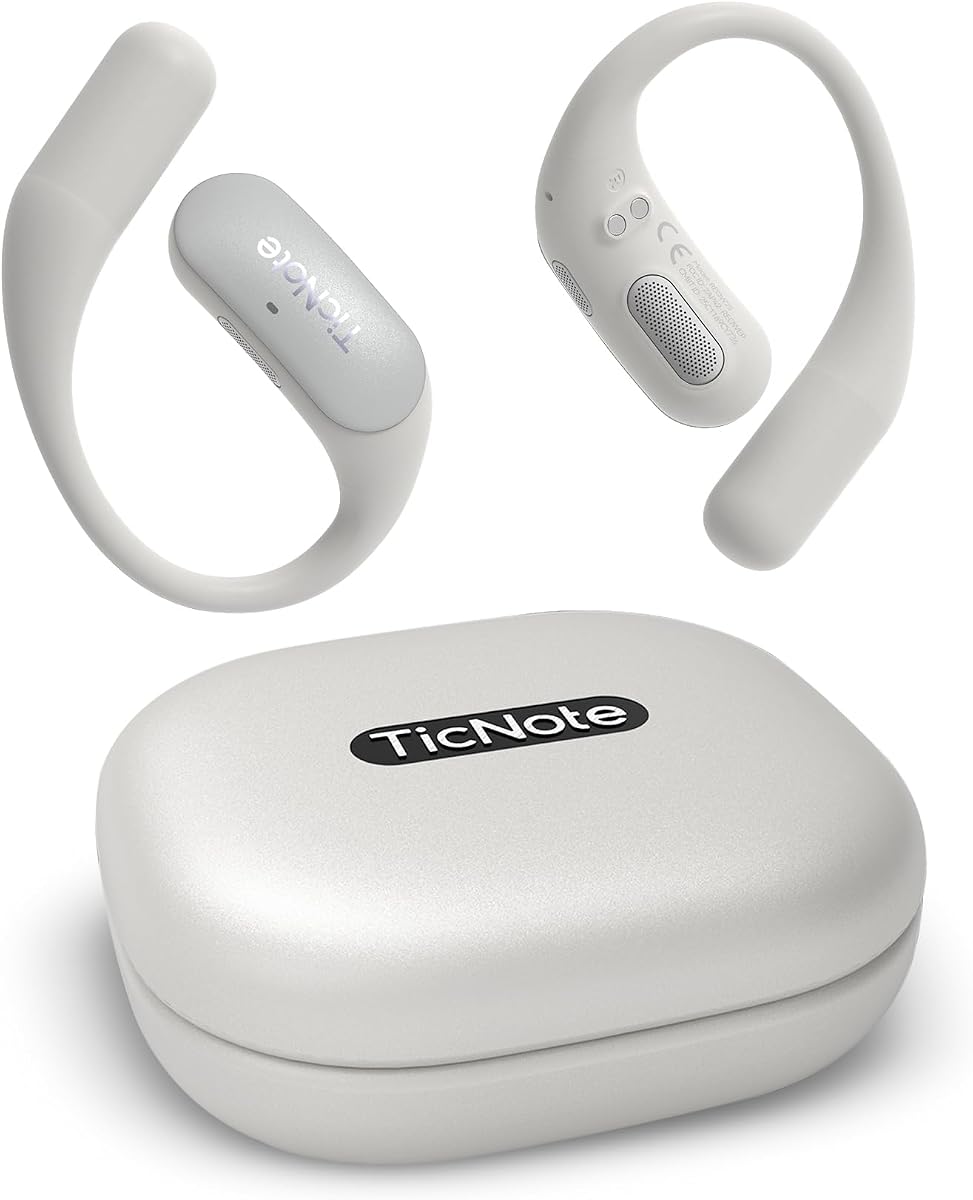
TicNote Pods is designed specifically for WiFi environments, making it perfect for office settings where connectivity is stable. Its team collaboration features allow shared notes and encrypted cloud storage for smooth workflows.
We may earn a commission when you buy through this link, at no additional cost to you.
The device supports over one hundred twenty languages, facilitating cross-border communication with ease. Structured summaries and Shadow AI help organize information into actionable outputs, keeping team members aligned.
Battery life is shorter than competitors, but the device charges quickly and offers robust cloud sync. For teams prioritizing real-time collaboration over portability, it serves as a dedicated meeting assistant.
Organizations looking for a secure, collaborative note-taking solution will appreciate the encrypted cloud features. TicNote Pods streamlines team communication and ensures everyone stays on the same page.
Share notes and transcripts securely within your team to ensure everyone stays aligned on outcomes and next steps.
Use built-in Shadow AI to organize information into useful outputs for work, collaboration, and follow-up tasks.
We may earn a commission when you buy through this link, at no additional cost to you.
This variant of the Comulytic Note Pro offers similar powerful features, focusing heavily on storage and transfer speed. Its unlimited cloud backup ensures your recordings are safe and accessible from anywhere.
We may earn a commission when you buy through this link, at no additional cost to you.
With forty-five hours of battery and real-time Wi-Fi sync, it handles heavy daily use with ease. The triple-mic array ensures clear audio up to five meters away, capturing every word of your meetings.
The accessory package includes magnetic mounts and an OTG adapter, enhancing versatility for various setups. While its design is simple, the functional depth and storage capacity make it a solid choice.
Professionals who prioritize data safety and transfer efficiency will find this model reliable. It delivers consistent performance and robust features essential for long-term professional note-taking.
Ensure your recordings are safe with unlimited cloud backup that keeps files encrypted and accessible anywhere.
Transfer files ten times faster than Bluetooth for real-time backup while you continue recording meetings.
We may earn a commission when you buy through this link, at no additional cost to you.
Selecting the right device depends on your specific workflow, privacy needs, and budget. Understanding key factors helps you find a device that truly enhances productivity.
High-quality audio is essential for accurate transcription. Devices with multiple microphones, such as four or six-mic arrays, provide better noise cancellation and directional pickup.
Look for models that support both ambient and call modes to ensure clear audio regardless of the meeting type.
Accuracy varies by engine. Aim for devices claiming ninety-eight percent accuracy to avoid tedious editing. Language support is crucial for global teams or international research.
Check if the device supports real-time translation for the specific languages you need frequently.
Long battery life ensures uninterrupted recording during extended meetings. Aim for devices offering at least thirty hours of continuous recording.
Slim designs like credit-card thickness make devices easier to carry discreetly in pockets or bags.
Local storage capacity matters for offline use. Cloud storage and sync options ensure your data is accessible across devices.
Wi-Fi sync is significantly faster than Bluetooth, reducing wait times for file transfers.
Protect sensitive business data with devices that offer end-to-end encryption and compliance with standards like GDPR or HIPAA.
Verify whether the vendor retains ownership of your data or if you have full control and sovereignty.
Advanced AI features like structured summaries, action items, and query capabilities save time. Some models allow you to chat with recordings for insights.
Check if the device supports generating editable documents directly from transcripts to streamline workflows.
Some devices require monthly subscriptions for full features. Look for models offering generous free tiers or unlimited transcription to avoid hidden costs.
Evaluate the long-term value of the device against any recurring fees for AI services.
Consider how the device integrates with your existing tools like calendars, email, or productivity apps. Cross-device sync is key for seamless workflows.
Ensure the app and web interface are user-friendly and available on your preferred devices.
Begin by charging the device fully before your first recording session. Familiarize yourself with the one-tap recording button to ensure you never miss the start of a meeting.
Position the microphone close to the speakers or center of the table for optimal audio capture. Avoid covering microphones with fabric or holding the device against your body.
Regularly update the app and firmware to access the latest AI features and security patches. Back up your data to cloud storage regularly to prevent accidental loss.
Always verify local laws before recording conversations. Most regions require consent from all parties to record private discussions. These devices often include privacy reminders to ensure legal compliance.
Most devices require a smartphone or computer for syncing and full AI features. However, some models store recordings locally so you can access them later once connected.
Modern AI transcription achieves up to ninety-eight percent accuracy in ideal conditions. Background noise, accents, or technical jargon may affect results. Review transcripts for critical details.
Many devices offer free starter plans with transcription included. Others require subscriptions for advanced features. Always check the included plan before purchasing.
Some models support offline recording but require internet for AI transcription. Others offer limited offline AI. Check the specific device capabilities if internet access is restricted.
Top devices use end-to-end encryption and comply with security standards. Look for features like local storage and user control to ensure your data remains private.
The Plaud Note Pro, Pocket AI Voice Recorder, and EurekaMind lead this roundup for their unique strengths in security, integration, and value respectively. Each caters to specific professional needs.
Prioritize audio quality, transcription accuracy, and privacy features when choosing. Ensure the device fits your existing workflow and offers the AI tools you need most.
Prices and availability may change, so check current listings before buying. Select the device that aligns best with your productivity goals and security standards.