
Philips 34E1C5600HE
3.8Editor score
34 inch UltraWide QHD display
Built-in webcam and mic
USB-C docking support
Selecting the right conference room monitor is essential for modern business communication. A high-quality display ensures clear visuals during video calls and presentations. It enhances collaboration and professionalism in meeting spaces of any size.
We evaluated ten leading conference room monitors based on resolution size connectivity and business features. Our analysis covers commercial displays designed for reliability and performance. This list helps you find the ideal screen for your specific office needs.
Each pick highlights key strengths and ideal use cases for your workspace. Review the detailed specifications to understand what each model offers. Please note that product availability and pricing may change over time.
3.8Editor score
4.8Editor score

4.8Editor score
As an Amazon Associate we earn from qualifying purchases.
The following table provides a side-by-side comparison of the top conference room monitors available today. Review the key specifications to find the best match for your meeting room requirements and budget constraints.




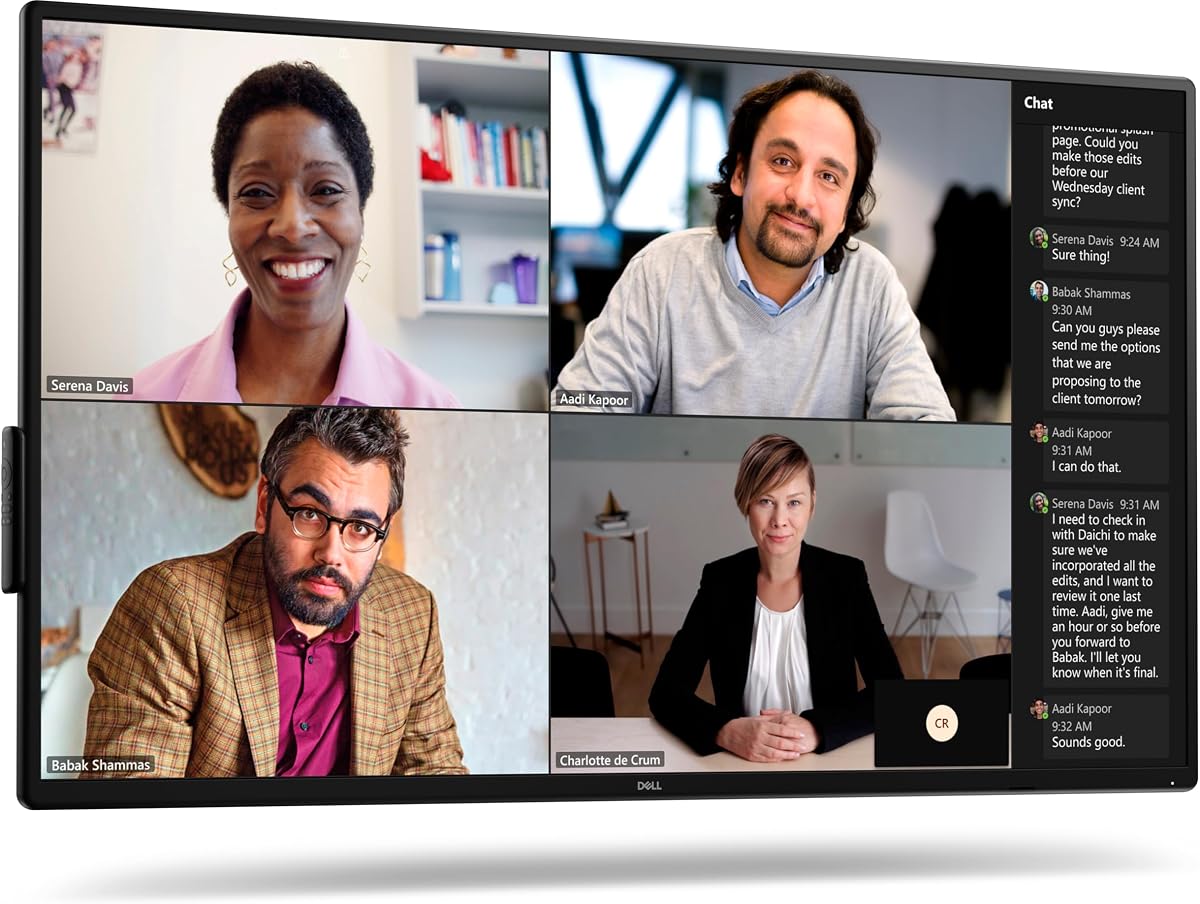
The Dell P5525QC stands out as a top choice for modern conference rooms. It offers a stunning 55 inch 4K display that ensures every detail is visible during presentations. The IPS panel delivers consistent colors from any angle.
We may earn a commission when you buy through this link, at no additional cost to you.
This monitor excels in connectivity with USB-C and HDMI ports available. It supports high resolutions at 60Hz for smooth video streaming. The brightness level of 400cd/m2 makes it suitable for well-lit meeting spaces.
While the price is higher than some alternatives, the reliability and performance justify the investment. It is designed for commercial use and comes with robust features for business environments. Setup is straightforward with standard mounting options.
Businesses looking for a premium display solution will find this model ideal. It balances performance and functionality perfectly for video conferencing and digital signage. We recommend it for mid to large sized conference rooms.
The 4K resolution ensures crisp text and clear images for all participants.
Multiple ports allow easy connection to laptops and conference systems.
We may earn a commission when you buy through this link, at no additional cost to you.
The Samsung QB65R is perfect for large conference spaces that need a big screen. Its 65 inch 4K display provides ample room for multiple content windows. The dynamic Crystal Color technology ensures lifelike images.
We may earn a commission when you buy through this link, at no additional cost to you.
This display includes built-in Wi-Fi and Bluetooth for easy content sharing. It is compatible with Cisco WebEx room kits for seamless conferencing. The System-on-chip technology allows for independent operation without extra hardware.
While it is a powerful device, installation requires careful planning due to its size. The slim design helps with aesthetics but a sturdy mount is essential. It is best suited for executive boardrooms or training centers.
Organizations needing a large commercial display should consider this model. It offers versatility for both meetings and digital signage applications. The 3-year warranty adds peace of mind for business users.
4K UHD picture quality ensures clarity for detailed presentations.
Built-in connectivity allows tablet and mobile content sharing.
We may earn a commission when you buy through this link, at no additional cost to you.
The LG UL3G offers a complete solution with essential accessories included. It features a 43 inch 4K display ideal for medium meeting rooms. The bundle includes cables and a cleaning kit to start immediately.
We may earn a commission when you buy through this link, at no additional cost to you.
WebOS 4.1 provides a smooth interface for content playback and customization. It supports remote monitoring via LG Control Manager for easy management. The display is certified Crestron Connected for professional integration.
The IPS panel ensures consistent quality from any viewing angle. However the audio output is basic and may require external speakers. The bundle convenience makes it a strong choice for quick installations.
Businesses wanting a hassle-free setup will appreciate this package. It balances cost and performance well for standard conference needs. The remote management features are a significant plus for IT teams.
Includes necessary accessories for immediate installation and use.
System-on-chip eliminates the need for external media players.
We may earn a commission when you buy through this link, at no additional cost to you.
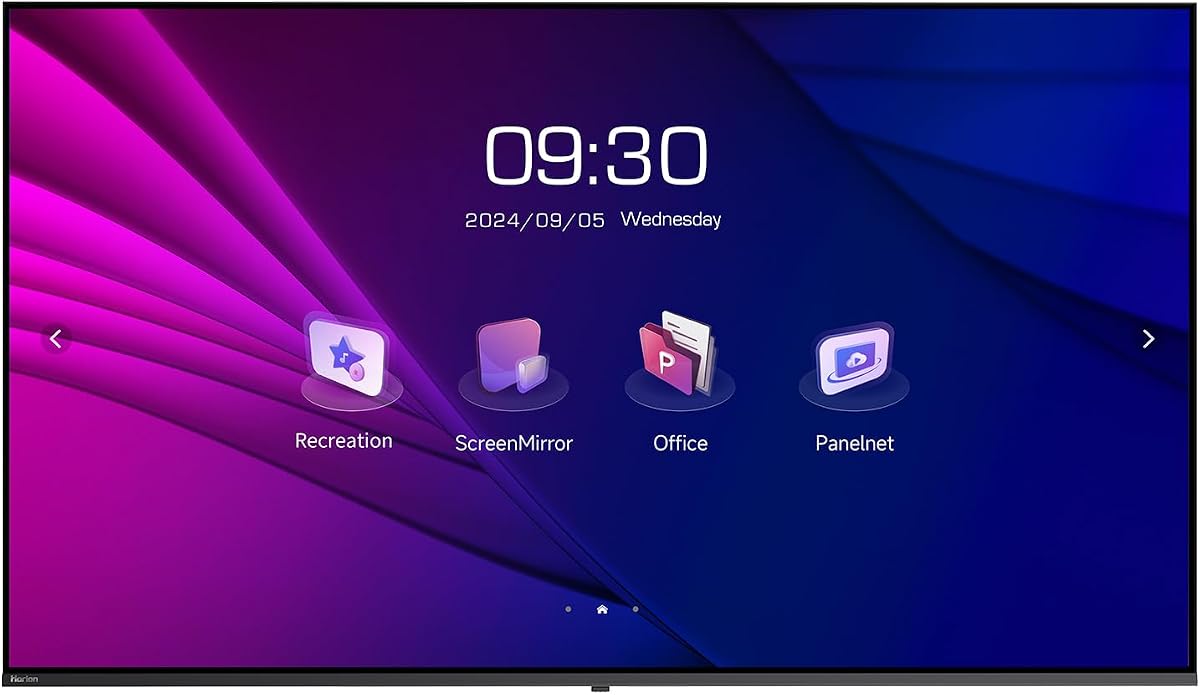
The HORION 75 provides a massive screen for impactful visual communication. It supports 4K resolution and offers reliable performance with dual WiFi modules. The ad-free Horion OS ensures distraction-free meetings.
We may earn a commission when you buy through this link, at no additional cost to you.
Wireless casting works seamlessly with various devices including iOS and Android. The low blue light certification protects eyes during long sessions. It is designed for 24/7 operation in high-traffic areas.
Installation flexibility is high with vertical mount support available. The unit is heavy and requires a robust mounting solution. Despite this, the features and size make it a top contender.
This monitor is ideal for lobbies or large conference halls. It handles digital signage and meeting needs equally well. The reliability features make it suitable for continuous use environments.
Independent WiFi modules ensure stable connections for casting.
Certified low blue light reduces strain during long viewing.
We may earn a commission when you buy through this link, at no additional cost to you.
The Philips 34E1C5600HE is great for small huddle rooms or personal use. It offers an UltraWide QHD resolution that boosts productivity. The built-in webcam with Windows Hello simplifies login and video calls.
We may earn a commission when you buy through this link, at no additional cost to you.
USB-C docking allows a single cable for data power and video. The curved panel enhances immersion during long working sessions. High color accuracy makes it suitable for design reviews.
While primarily a consumer monitor, it serves well for smaller teams. The 4-year replacement warranty adds value. However, it lacks some commercial durability features of larger screens.
Teams with limited space will find this display practical and efficient. It combines productivity tools with good video conferencing features. It is a cost-effective choice for agile workgroups.
UltraWide aspect ratio allows multiple windows side by side.
Built-in webcam and mic reduce peripheral clutter.
We may earn a commission when you buy through this link, at no additional cost to you.
The SAMSUNG QB43R is a solid choice for compact commercial spaces. It delivers 4K resolution with dynamic Crystal Color for clarity. The slim design ensures clean cable management in tight spots.
We may earn a commission when you buy through this link, at no additional cost to you.
Built-in Wi-Fi and Bluetooth facilitate easy content sharing. It is compatible with WebEx kits for reliable video meetings. The 3-year warranty ensures long-term support for business use.
While it lacks some advanced management features it is reliable. The brightness is sufficient for most indoor environments. It is a straightforward solution for basic signage needs.
Businesses seeking a dependable smaller commercial display should choose this. It balances cost and performance effectively. The warranty coverage is a strong selling point.
Designed for daily business use with strong warranty support.
4K UHD picture quality ensures detailed text and graphics.
We may earn a commission when you buy through this link, at no additional cost to you.
The Sony FW75BZ30L delivers premium performance for demanding environments. Its 75 inch screen provides an immersive view for large groups. The HDR support enhances image quality for media playback.
We may earn a commission when you buy through this link, at no additional cost to you.
This monitor is built for commercial reliability with robust hardware. It supports both landscape and portrait orientations for versatility. The VA panel offers deep blacks and good contrast.
The high price reflects its premium positioning. It is best for executive suites or high-budget facilities. Setup requires professional assistance due to size and weight.
Organizations needing top-tier display quality will appreciate this model. It excels in visual fidelity and durability. It is a strong choice for critical presentation settings.
Large 75 inch screen ensures everyone sees the content clearly.
Supports both landscape and portrait modes for various layouts.
We may earn a commission when you buy through this link, at no additional cost to you.
The SAMSUNG QE50T is built for environments that run for long hours. It supports 16/7 operation reliably with a dust-proof rating. The 50 inch display provides good visibility for medium rooms.
We may earn a commission when you buy through this link, at no additional cost to you.
A built-in media player allows direct USB content playback. It connects easily via HDMI for various sources. The 3-year warranty ensures long-term peace of mind.
Brightness is standard but adequate for indoor settings. The slim design helps integration into modern office decor. It is a practical choice for retail or reception areas.
Businesses needing a display for continuous use should consider this. It balances cost with commercial durability. The dust-proofing is a valuable feature for active spaces.
Built to operate up to 16 hours a day reliably.
Direct USB playback simplifies media sharing.
We may earn a commission when you buy through this link, at no additional cost to you.
The Logitech MeetUp is a comprehensive video conferencing solution for small rooms. It includes a 4K camera and three beamforming microphones. This system ensures participants are seen and heard clearly.
We may earn a commission when you buy through this link, at no additional cost to you.
Its wide field of view captures the entire room easily. It connects via USB for easy plug-and-play with computers. The motorized pan allows flexible viewing angles during meetings.
While not a display itself, it complements any monitor setup. It supports major platforms like Teams and Zoom. Deployment is simple with existing room controllers.
Teams needing high-quality video and audio in huddle spaces should choose this. It simplifies remote meeting quality significantly. It is an essential add-on for professional rooms.
Beamforming mics capture voices up to 4 meters away.
4K sensor and zoom ensure detailed participant visibility.
We may earn a commission when you buy through this link, at no additional cost to you.
The Dell P5524Q is a reliable choice for professional meeting spaces. It offers 55 inch 4K resolution with an anti-glare screen. The wide viewing angles ensure everyone sees the content clearly.
We may earn a commission when you buy through this link, at no additional cost to you.
Built-in speakers provide decent audio for standard meetings. Security features like a cable lock slot help protect investment. It supports standard inputs for easy setup.
Performance is solid without being flashy. It fits well in corporate environments where reliability is key. The design is clean and professional looking.
Businesses preferring a proven solution should consider this model. It balances features and durability effectively. It is a safe choice for general conference room use.
Reduces reflections in bright office environments effectively.
Cable lock slot helps prevent unauthorized disconnection.
We may earn a commission when you buy through this link, at no additional cost to you.
Choosing the right monitor depends on your room size and specific needs. Consider these factors to find the best display for your business.
Select a size that fits your room dimensions and seating capacity. A larger screen is better for big conference halls while smaller rooms work with compact models. Ensure the resolution is at least 4K for sharp text and clear video.
Always match screen size to the room size to ensure visibility from all seats.
IPS panels offer wide viewing angles which are crucial for group meetings. Brightness should be high enough to combat ambient light without glare. Look for displays rated for commercial use with higher nits.
Higher brightness and IPS panels improve visibility in well-lit spaces.
Ensure the monitor has enough HDMI and USB ports for all devices. USB-C with power delivery simplifies connection for modern laptops. Check for wireless casting features for easy sharing without cables.
Versatile ports allow seamless connection of laptops and conference systems.
Built-in speakers are convenient but external audio may be needed for larger rooms. Some displays offer integrated webcams which simplify video conferencing. Ensure audio quality meets your communication standards.
Built-in audio and video tools can reduce peripheral clutter in the room.
Check VESA mount compatibility for easy wall mounting. Consider portrait orientation options for unique displays like lobbies. Ensure the mount hardware is included or purchased separately.
Proper mounting ensures safety and a clean professional look for the room.
Commercial grade monitors are built for longer operation hours. Look for warranties that cover business use specifically. Dust resistance ratings add value for active environments.
Commercial durability and strong warranties protect your investment over time.
Some displays come with built-in systems for media playback. Ensure compatibility with your conferencing software like Teams or Zoom. Remote management capabilities help IT teams maintain the devices.
Smart features and remote management simplify daily usage and maintenance.
Determine your budget range before starting the search. Balance cost with required features to avoid overspending. High-end models offer reliability and performance worth the investment.
Prioritize essential features to get the best value within your budget.
Position the monitor at eye level to reduce neck strain during long meetings. Ensure the room lighting is balanced to minimize glare on the screen. Use a sturdy mount to keep the display secure.
Regularly update the monitor firmware to access new features and security patches. Use the built-in calibration tools to maintain accurate colors. Adjust brightness settings based on the room's ambient light.
Clean the screen with a microfiber cloth to avoid scratches. Avoid using harsh chemicals that could damage the anti-glare coating. Turn off the device completely during extended periods of non-use.
The ideal size depends on the room dimensions. For small huddle rooms a 32 to 43 inch display works well. For medium rooms consider 50 to 65 inches. Large conference halls may require screens over 75 inches for optimal visibility.
Yes commercial monitors are designed for longer operational hours. They are built to run for 12 to 24 hours a day. Standard monitors typically handle 8 to 10 hours. This makes commercial models more reliable for busy offices.
We recommend a minimum of 4K resolution for modern needs. It ensures text is sharp and images are detailed. This is crucial for sharing documents and high-quality video. Full HD may look pixelated on larger screens.
Yes most modern conference monitors support video conferencing directly. Look for built-in cameras or compatibility with conferencing systems. USB-C connectivity often simplifies the connection process. Ensure audio output meets your call quality needs.
Check the VESA mounting pattern before purchasing a bracket. Use professional installers for large and heavy screens. Ensure the wall can support the weight of the display. Proper mounting prevents accidents and ensures longevity.
Regularly clean the screen to dust to prevent buildup. Update the software to maintain performance. Check connections and cables periodically. Use protective covers if the room is exposed to dust.
The Dell P5525QC leads our list with its balance of resolution and commercial reliability. For smaller needs the Philips model offers great value. Large rooms benefit from the Sony or Samsung displays with superior size.
When choosing prioritize resolution and connectivity to future-proof your investment. Consider the specific needs of your team such as video conferencing or digital signage. Commercial durability is essential for busy environments.
Remember to check current prices and availability before purchasing. Prices may fluctuate based on supply and promotions. Always ensure the warranty covers your specific business use case.