
Seagate 8TB BarraCuda Internal Hard Drive | SATA 6 Gb/s
4.7Editor score
High capacity value
Proven reliability
SATA 6 Gb/s
Choosing the right hard drive for your Jellyfin server is crucial for smooth media streaming and long term data reliability. You need storage that handles constant reads and writes without lag or failure.
We evaluated ten top rated drives based on capacity, speed, workload ratings, and manufacturer warranties. Our analysis focuses on suitability for NAS, desktop, and surveillance environments common in home media setups.
Each pick highlights specific strengths and ideal use cases for different server configurations. Please note that pricing and availability can fluctuate frequently on retailer sites, so verify current details before purchasing.
4.7Editor score
4.2Editor score

4.6Editor score
As an Amazon Associate we earn from qualifying purchases.
The following table provides a side by side overview of key specifications for each selected drive to help you compare capacity, speed, and use case suitability at a glance.




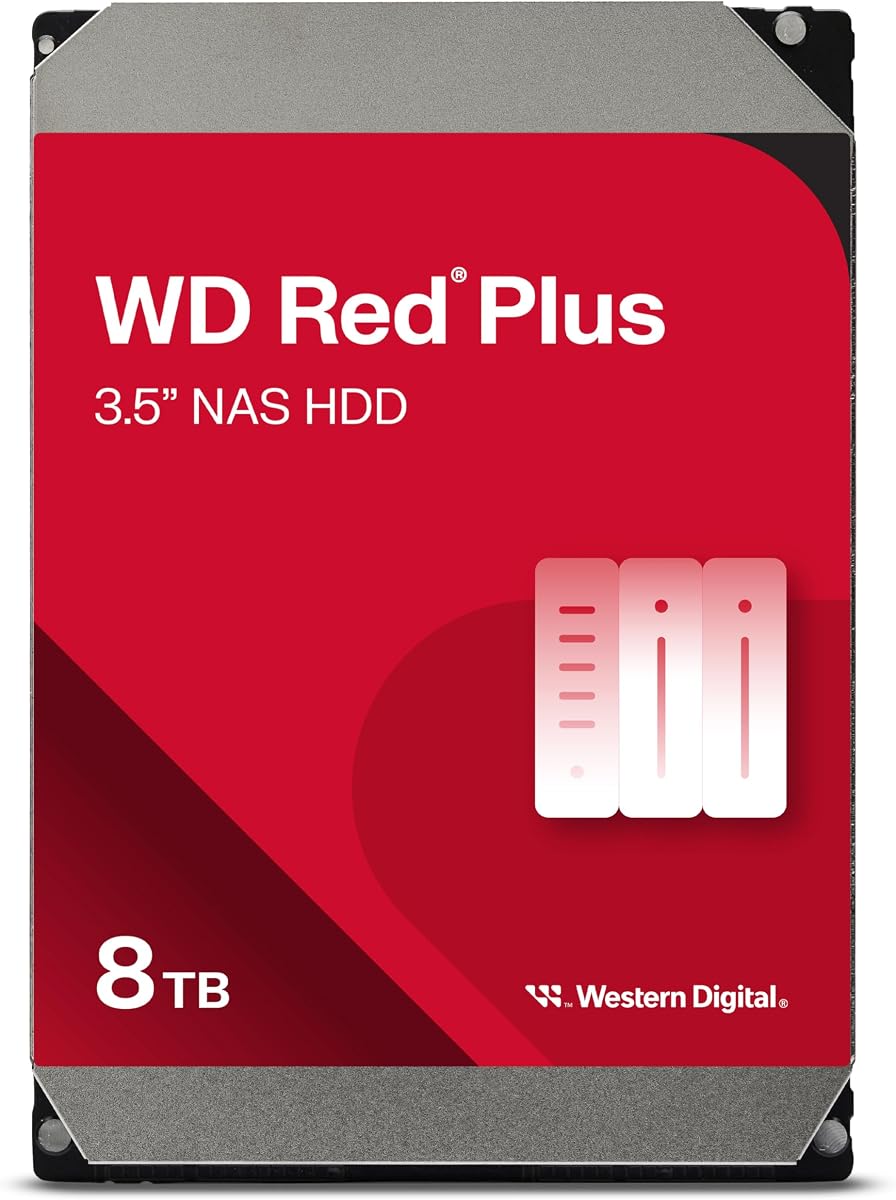
The Western Digital 8TB WD Red Plus is a top choice for Jellyfin users who prioritize long term reliability in network attached storage environments. It holds a strong user rating and is specifically engineered to handle the demands of 24×7 operations found in home media servers.
We may earn a commission when you buy through this link, at no additional cost to you.
Its CMR technology ensures consistent performance during heavy writes, which is vital when transrating media or backing up libraries. The NASware firmware optimizes compatibility with common RAID configurations, reducing the risk of drive errors during streaming sessions.
While it carries a higher price tag compared to standard desktop drives, the trade off is justified by its durability and workload rating. For users running multi bay setups or needing constant uptime, the investment protects your media library from potential hardware failure.
This drive is best suited for serious Jellyfin admins building robust storage arrays. If you need a dependable drive that can scale with your media library and operate continuously without faltering, this is a premier option to consider.
The drive includes NASware firmware designed to reduce vibration and improve compatibility across various NAS operating systems and RAID controllers.
It supports up to 180 TB per year workload rates, ensuring it can handle continuous media streaming and write tasks without overheating or slowing down.
We may earn a commission when you buy through this link, at no additional cost to you.
The Seagate 8TB BarraCuda offers an excellent balance of storage capacity and price for Jellyfin users on a budget. With a high user rating, it serves well as a primary drive for single bay servers or direct attached storage in desktop PCs.
We may earn a commission when you buy through this link, at no additional cost to you.
Its SATA 6 Gb/s interface and sustained transfer rates support smooth playback of high bitrate video files. The proven reliability of the BarraCuda line makes it a trustworthy choice for storing large media libraries without breaking the bank.
The main trade off is that it lacks specific NAS optimization features like CMR or enhanced vibration sensors. However, for personal use where constant multi drive operation is not required, these limitations are often acceptable for the price savings.
We recommend this drive for hobbyists or beginners setting up their first Jellyfin instance. If you need massive storage at a low cost and plan to use it in a standard desktop or single drive NAS, this is a fantastic pick.
Backed by 20 years of innovation, this drive delivers consistent performance for everyday computing tasks like video storage and photo management.
The drive arrives in anti static packaging without unnecessary boxes or cables, simplifying the unboxing and installation process for users.
We may earn a commission when you buy through this link, at no additional cost to you.
The WD 12TB WD Blue is a premium internal drive designed for users who need extreme storage capacity and speed. Its high RPM and large cache make it exceptionally fast for loading large media libraries and handling multiple concurrent streams.
We may earn a commission when you buy through this link, at no additional cost to you.
Western Digital provides free Acronis True Image WD Edition cloning software with this drive, which simplifies migrating your existing server data to a new unit. The 512 MB cache ensures quick data access, reducing latency during transcoding or seek operations.
While it comes with a higher price tag, the sheer amount of storage and performance benefits justify the cost for power users. It is ideal for those who want to store years of media content on a single drive without immediate expansion needs.
Choose this drive if you require maximum capacity and speed for your Jellyfin server. It is perfect for enthusiasts who prioritize performance and want to future proof their setup against growing media collection sizes.
The combination of 7200 RPM and 512 MB cache allows for faster data retrieval and smoother handling of large files during streaming.
Free cloning software enables easy migration of your current drive contents to this new 12TB model without needing separate backup tools.
We may earn a commission when you buy through this link, at no additional cost to you.
The Seagate One Touch 8TB provides a convenient external storage solution for Jellyfin users who prefer plug and play simplicity. With USB-C compatibility and bus power, it connects easily to servers or PCs without needing extra power adapters or wall outlets.
We may earn a commission when you buy through this link, at no additional cost to you.
Its large capacity allows you to offload media libraries or backups easily. The included Rescue Data Recovery Services offers peace of mind by protecting your important files in case of accidental loss or drive failure over a two year period.
Since it is external, it depends on the USB connection quality and host system power. While generally reliable, it may not match the longevity of an internal drive for 24×7 streaming loads, making it better suited for occasional access or secondary storage.
This drive is ideal for users who need portable storage or a quick backup drive for their Jellyfin setup. If you want a simple way to expand storage without opening your computer case, this external option delivers solid performance.
The drive operates using power from the USB connection, eliminating the need for an external power brick and keeping your desk clutter free.
Rescue Data Recovery Services is included to help safeguard your assignments and sensitive files against potential data loss events.
We may earn a commission when you buy through this link, at no additional cost to you.
The Seagate 1TB Mobile HDD is designed for compact and portable computing needs, making it suitable for small form factor Jellyfin servers. Its 7mm thin profile and light weight allow it to fit into tight spaces where standard drives cannot go.
We may earn a commission when you buy through this link, at no additional cost to you.
With a standard SATA 6Gb/s interface, it integrates easily into existing mobile or mini PC designs. While the capacity is smaller than desktop options, it is sufficient for storing a core library of media files or system data in a portable setup.
The main limitation is reduced capacity and speed compared to larger 3.5 inch drives. However, for users prioritizing size and mobility over massive storage, this drive offers a practical solution for low demand streaming or backup tasks.
We recommend this drive for portable media centers or space constrained server builds. If you need a reliable internal drive that fits in small enclosures and consumes less power, this model provides a solid balance of size and functionality.
At only 7mm thin, this drive enables drop-in capacity transitions without adding bulk to portable computers or small server cases.
Despite its small form factor, it stores up to 200,000 photos or over 100 hours of high-definition video for personal use.
We may earn a commission when you buy through this link, at no additional cost to you.
The Seagate IronWolf 4TB is purpose built for NAS enclosures, offering optimized performance for multi-user environments typical of home media servers. It delivers increased file sharing performance and reduced wear, ensuring your media library remains accessible with minimal downtime.
We may earn a commission when you buy through this link, at no additional cost to you.
Its integrated IronWolf Health Management system allows for easy monitoring of drive health, helping you detect issues before they lead to data loss. The included rescue services add an extra layer of security, making it a reliable choice for critical media storage.
While it runs at 5400 RPM which is slower than desktop drives, this trade-off reduces noise and heat, making it ideal for living room or office NAS setups. The CMR technology ensures reliable performance for RAID configurations without data corruption risks.
This drive is a great fit for mid range NAS builds needing solid performance and reliability. If you value health monitoring and want a drive designed specifically for network attached storage, this IronWolf model delivers excellent value and durability.
IronWolf internal drives are designed for multi bay NAS environments, reducing wear and tear while delivering high capacity performance.
Integrated management tools let you easily check drive health and ensure long term reliability for your server storage setup.
We may earn a commission when you buy through this link, at no additional cost to you.
The WD 6TB WD Purple is engineered specifically for surveillance security systems but works exceptionally well for Jellyfin setups with heavy write loads. It is tuned for high stream count workloads, ensuring smooth data handling during multiple concurrent operations.
We may earn a commission when you buy through this link, at no additional cost to you.
AllFrame AI technology enhances performance for AI enabled recorders and systems, improving data integrity across multiple streams. This drive supports more than eight bays, making it scalable for larger server configurations where reliability is paramount.
While designed for surveillance, its ability to handle continuous writes without dropping frames benefits media servers that write logs or cache data often. However, you may pay a premium compared to standard desktop drives for these specialized features.
We recommend this drive for users running write intensive media applications or who need robust performance across many drives. If your Jellyfin server requires constant writing and high reliability, this surveillance grade drive offers superior endurance.
AllFrame AI technology delivers additional enhancements and higher workload rates for systems requiring advanced data handling and integrity.
Tuned for high stream count workloads, this drive supports many simultaneous data streams without dropping frames or losing data.
We may earn a commission when you buy through this link, at no additional cost to you.
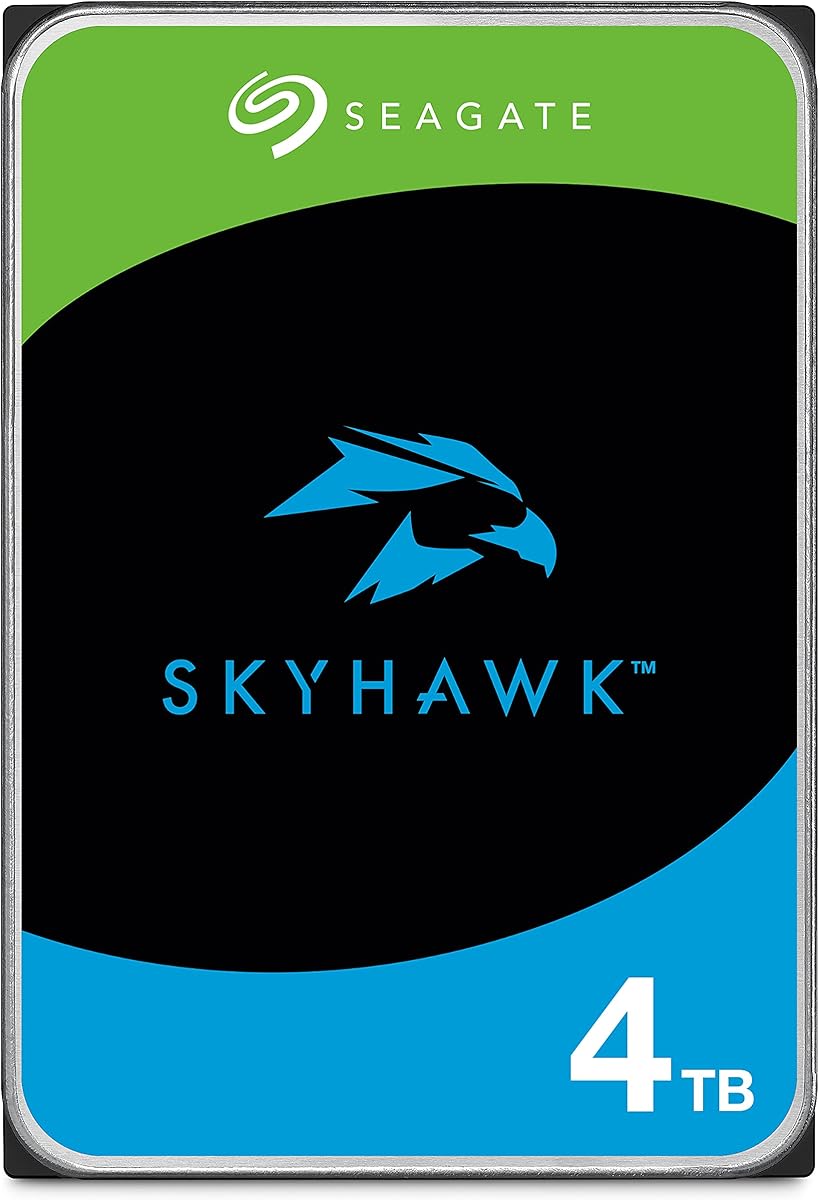
The Seagate Skyhawk 4TB is built for video and NVR systems, making it suitable for Jellyfin servers that handle heavy streaming and logging tasks. It supports workloads up to 180TB per year, ensuring stable performance during continuous media access and writes.
We may earn a commission when you buy through this link, at no additional cost to you.
Built-in rotational vibration sensors help maintain performance in multi-bay systems, allowing you to scale storage by adding more drives without compromising reliability. Lower power consumption reduces heat emissions, which improves overall system stability and longevity.
Like other surveillance drives, it is specialized for continuous recording workloads which translates well to media servers. However, it may lack features optimized for general desktop use, making it most effective in dedicated storage arrays or media setups.
This drive is a strong candidate for users building a dedicated media server or NVR setup. If you need reliable performance for video data and want scalable storage options, the Skyhawk provides robust engineering and monitoring tools.
Delivers video optimized storage designed to support high workload rates and ensure zero dropped frames during simultaneous streaming.
Built-in RV sensors maintain performance in multi-bay systems, offering flexibility to scale your storage as your needs grow.
We may earn a commission when you buy through this link, at no additional cost to you.
The Seagate Skyhawk 4TB VX007 features custom built firmware optimized for 24/7 video workloads, ensuring crisp and clear data handling. Its maximum workload rating is three times higher than desktop drives, providing reliable performance for continuous writing and streaming tasks.
We may earn a commission when you buy through this link, at no additional cost to you.
Rotational vibration sensors help maintain performance in multi-drive systems, which is essential when scaling your Jellyfin server storage. The drive supports up to 10TB of capacity, offering flexibility to store thousands of hours of high-definition video content.
While specialized for surveillance, its high endurance and low failure rates under continuous operation are beneficial for media servers. The frustration-free packaging simplifies installation, making it user-friendly even for those building custom storage solutions.
Choose this drive if your primary need is reliable performance under constant write conditions. It is ideal for users building robust media storage arrays where data integrity and continuous uptime are critical for your server operations.
Custom built firmware ensures crisp and clear data handling specifically designed for 24/7 video workloads and continuous operation.
Maximum 180TB/year workload rating provides three times the performance of standard drives for reliable continuous operation.
We may earn a commission when you buy through this link, at no additional cost to you.
The Seagate IronWolf 6TB serves as a reliable medium capacity option for NAS servers and Jellyfin setups. Its NAS optimized design ensures compatibility and performance in multi-drive environments, providing robust storage for growing media libraries.
We may earn a commission when you buy through this link, at no additional cost to you.
With 256 MB of cache, it offers reasonable data buffering for faster access to frequently used files. The 5400 RPM speed prioritizes energy efficiency and noise reduction, making it suitable for home environments where quiet operation matters.
While it does not offer the high speed of desktop drives, its endurance and suitability for RAID configurations make it a solid choice. It balances capacity and cost well, offering enough space for extensive libraries without excessive expense.
We recommend this drive for mid range NAS builds needing reliable storage capacity. If you want a drive tailored for network attached storage with enough space for substantial media collections, this IronWolf model provides dependable performance and efficiency.
Designed specifically for NAS servers, this drive ensures reliable operation and compatibility in multi-drive environments.
The 5400 RPM speed offers lower power consumption and noise, making it suitable for quiet home office or living room setups.
We may earn a commission when you buy through this link, at no additional cost to you.
Selecting the right hard drive for Jellyfin involves evaluating several key factors that impact performance, reliability, and overall system stability.
Capacity determines how much media content you can store on your server. For high-resolution video libraries, larger drives reduce the need for frequent expansion and help organize files more efficiently.
Prioritize capacities that match your current needs plus anticipated growth over the next few years.
Drives are optimized for different workloads such as desktop, NAS, or surveillance. NAS drives handle multi-user environments better, while surveillance drives manage continuous writes efficiently.
Choose a drive type that aligns with how your Jellyfin server will operate to maximize durability.
Faster rotation speeds like 7200 RPM improve data access times, beneficial for transcoding and seeking. Larger cache buffers allow the drive to temporarily store data, smoothing out read and write operations.
Look for higher RPM and cache sizes if you frequently stream multiple high bitrate files simultaneously.
Ensure the drive interface matches your server's ports, typically SATA for internal drives or USB for external options. Correct interfaces prevent connection issues and maximize data transfer speeds.
Verify your server or NAS supports the chosen interface before purchasing to avoid compatibility problems.
Workload rating indicates the annual amount of data the drive is designed to handle. Higher ratings ensure reliability under continuous usage common in media servers.
Select a drive with a workload rating that exceeds your expected annual data throughput to prevent premature wear.
Rotational vibration sensors help maintain performance in multi-bay systems by compensating for drive vibrations. This feature is essential when using multiple drives together.
Choose drives with vibration sensors if you plan to expand your server with multiple drives in a single enclosure.
Warranty terms vary by model, ranging from two to five years. Longer warranties reflect manufacturer confidence in product reliability and provide protection against defects.
Consider the warranty length and availability of recovery services when comparing different hard drive options.
Power consumption affects operating costs and heat generation. Lower power drives are preferable for always-on servers to reduce electricity bills and cooling needs.
Evaluate power requirements especially for energy efficient setups running 24/7.
Install the drive in a well-ventilated area to prevent overheating and ensure optimal performance during continuous operation.
Configure your Jellyfin server to use the new drive for media storage, ensuring file permissions are correctly set for access.
Regularly monitor drive health using manufacturer tools to detect issues early and backup critical data periodically to prevent loss.
NAS drives are generally best for Jellyfin servers due to their optimized firmware and reliability for multi-bay environments. Surveillance drives also perform well for continuous read write tasks.
The amount depends on your media collection size and file quality. For 4K libraries, plan for several terabytes per year to accommodate growth without constant upgrades.
Yes, external drives connected via USB are supported but may have slower speeds compared to internal SATA drives. Ensure the USB connection is stable for consistent streaming.
CMR drives are recommended for NAS setups because they prevent performance issues that SMR drives may encounter during heavy write operations like backups.
Hard drives typically last 3 to 5 years with heavy use. Monitor health indicators regularly and replace if warnings appear to avoid data loss.
WD Blue drives target everyday desktop computing while Red drives are optimized for NAS environments with better vibration tolerance and multi-drive compatibility.
The top three picks provide excellent options ranging from budget friendly to high capacity premium solutions suitable for different Jellyfin server needs.
When choosing a drive, prioritize reliability and workload capacity to ensure smooth streaming and long term storage without unexpected failures.
Remember to check current prices and availability before purchasing as these factors can change frequently on retailer websites.