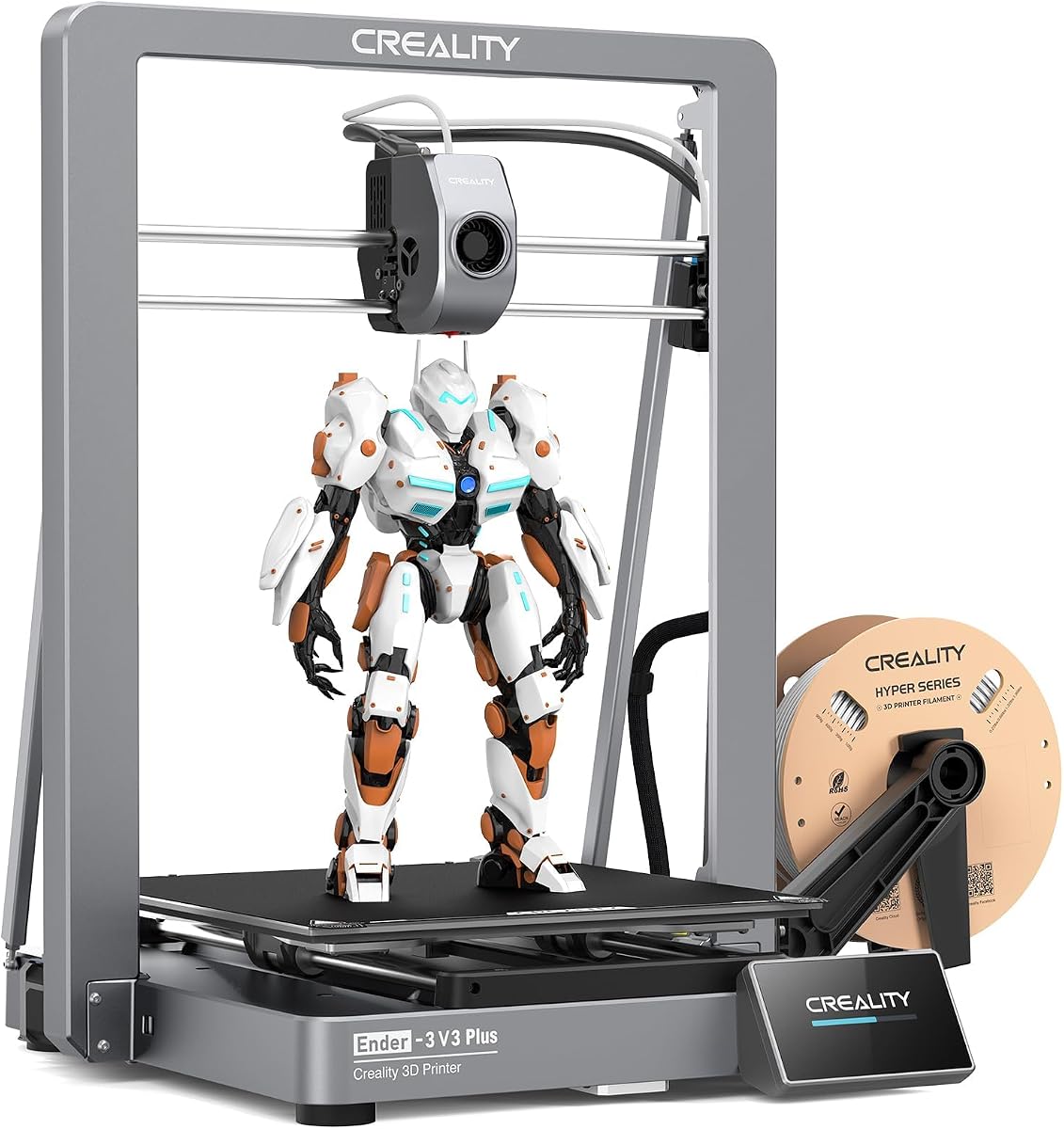
Creality Ender 3 V3 Plus
3.7Editor score
Larger Build Volume
600mm/s High Speed
Auto Calibration Leveling
Tri-metal Nozzle
This guide compares the top ten FDM printers for large prints, evaluating build volume, speed, reliability, and features to help you choose the right machine.
Finding the right FDM printer for large prints requires balancing size, speed, and reliability. Large format machines enable big prototypes and batch production without splitting models. Choosing wisely ensures consistent results for engineering projects and creative designs.
We compared ten top models based on build volume, print speed, material compatibility, and automation features. Each product offers unique strengths for different workflows. Our analysis highlights key specifications and real-world performance data to simplify your decision.
Each pick includes detailed reviews and comparison points. Prices and availability change frequently so verify current listings before purchasing. This guide focuses on factual specifications and user experiences to support your next large-format printing investment.
3.7Editor score

4.5Editor score

4.5Editor score
This side-by-side comparison highlights key specifications across ten large-format FDM printers to help you find the ideal match for your printing needs.



The Bambu Lab P1S combines speed and multi-color capability for demanding workflows. It earned a 4.5 rating for reliability and user-friendly setup. The enclosed design and auto bed leveling make it ideal for advanced filaments and consistent results.
We may earn a commission when you buy through this link, at no additional cost to you.
Its 500mm/s speed drastically reduces wait times compared to older printers. The AMS system enables up to 16 colors for vibrant projects without manual swaps. Filament support includes PLA, PETG, and TPU making it versatile for engineering and creative tasks.
Trade-offs include needing the AMS for color printing which adds cost. Setup takes 15 minutes but initial calibration may require patience. However these minor steps ensure high success rates and minimize material waste during large prints.
Choose this if you need a reliable machine for large-scale and multi-color prints. The combination of speed enclosure and automation makes it a top pick for makers and small businesses seeking efficiency and quality.
The AMS integration allows for up to 16 colors in one job without manual intervention.
High acceleration and 500mm/s speeds reduce overall print times for large parts.
We may earn a commission when you buy through this link, at no additional cost to you.
The Snapmaker U1 stands out with its 4-toolhead system enabling seamless multi-material prints. Rated 4.6 stars it balances quality and speed. The 5-second tool changer minimizes waste and time compared to traditional filament swaps.
We may earn a commission when you buy through this link, at no additional cost to you.
Its CoreXY design delivers 500mm/s speeds while maintaining precision across the full 270mm build volume. Smart calibration ensures first layers adhere perfectly reducing failures. Support for PLA, TPU, and engineering materials expands its utility.
Users note a higher price point and smaller bed compared to dedicated large-format machines. Yet the tool-change mechanism saves material over time justifying the investment. This printer suits creators needing diverse materials in single prints.
Pick this for complex prototypes requiring mixed materials. The automation and speed make it ideal for professionals prioritizing productivity without sacrificing detail quality.
Independent toolheads switch automatically reducing manual steps and improving print quality.
Tool swaps minimize purge waste by 5X compared to traditional systems.
We may earn a commission when you buy through this link, at no additional cost to you.
The Ender 5 Max features a massive 400×400×400mm build volume ideal for oversized prototypes. It received a 4.0 rating for durability and productivity. The CoreXY system supports 700mm/s speeds ensuring efficient batch production.
We may earn a commission when you buy through this link, at no additional cost to you.
Its all-metal frame minimizes vibration for consistent tall prints. The 64-point auto leveling ensures reliable adhesion. Compatibility with PLA ABS and ASA suits engineering workflows. WLAN control helps manage multiple machines in farms.
Setup may be more complex than plug-and-play models. High speeds can require calibration tuning for best results. However the volume and speed make it a value option for businesses.
This printer fits users needing large single-piece parts or high throughput. Its sturdy build and automation balance cost and performance for scaled production.
400×400×400mm volume allows printing oversized parts without splitting models.
CoreXY design delivers 700mm/s speeds for rapid prototyping.
We may earn a commission when you buy through this link, at no additional cost to you.
The K2 Plus Combo brings 16-color printing via CFS units into large format printing. Rated 4.0 stars it combines speed and color. The 600mm/s speed and turbocharged acceleration keep production high while maintaining precision.
We may earn a commission when you buy through this link, at no additional cost to you.
Two AI cameras monitor print health and nozzle flow. Auto filament relay ensures continuous prints. The matrix frame reduces vibration for smooth large prints. Material support includes ASA and PPA for engineering uses.
Users find the setup and cost challenging. Yet the color capabilities reduce post-processing labor. It suits businesses needing vibrant prototypes or multi-color production.
Choose this for colorful large prints without painting. The automation and color options justify the investment for professional studios and creators.
CFS units automate filament selection and relay for multi-color prints.
Two cameras track chamber and nozzle to prevent failures.
We may earn a commission when you buy through this link, at no additional cost to you.
The Kobra X offers native 4-color printing and up to 19 colors via ACE Pro units. It earned 4.4 stars for efficiency and reliability. The 81% waste reduction cuts costs for farms and creators alike.
We may earn a commission when you buy through this link, at no additional cost to you.
LeviQ 3.0 auto-leveling ensures perfect adhesion without manual steps. Its top-mount design saves space for dense setups. AI monitoring prevents failures during long prints. It suits businesses needing cost-effective color production.
While the 260mm bed is smaller than some large formats it is efficient for parts. Users must invest in ACE units for full color. Yet the savings and speed balance this.
Ideal for high-density farms prioritizing cost and color. The compact design and low waste make it a strong value for small to medium businesses.
Kobra X reduces purge waste by 81% enabling cost-effective color production.
Top-mount architecture reduces footprint for higher density printing.
We may earn a commission when you buy through this link, at no additional cost to you.
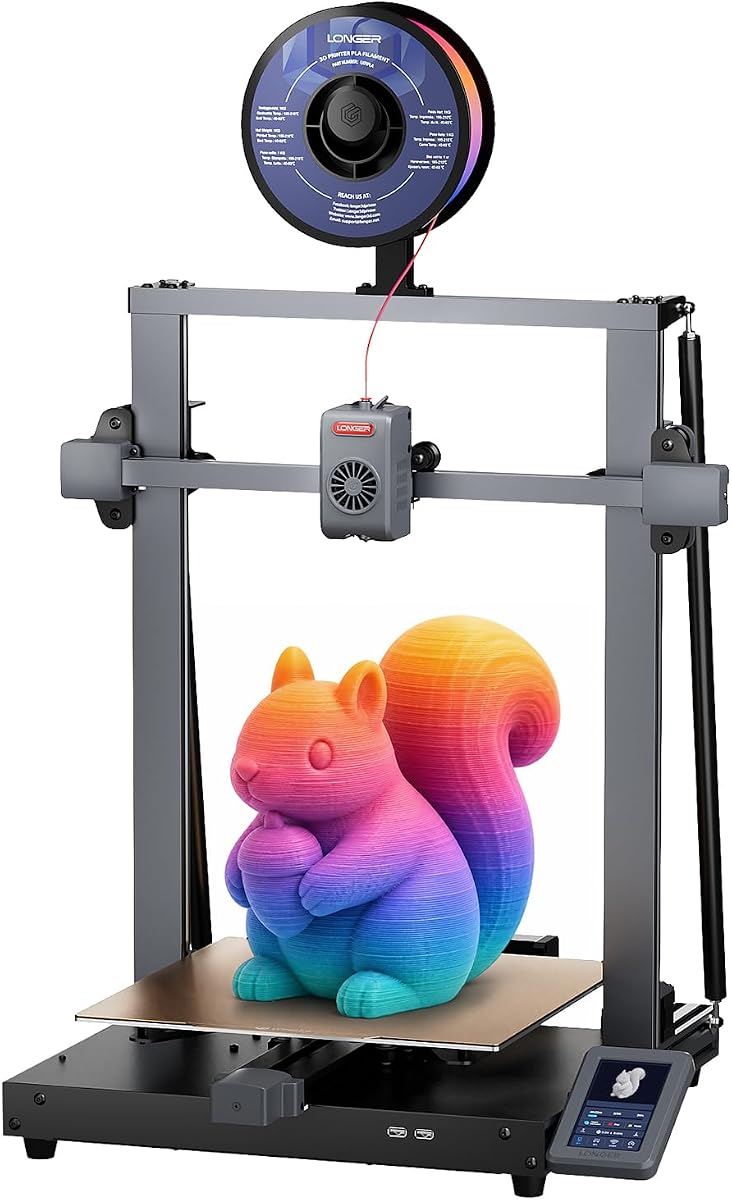
The LK10 Plus offers a spacious 320×320×400mm volume for large parts. It holds 4.4 stars for value and performance. The 500mm/s speed improves throughput without sacrificing quality.
We may earn a commission when you buy through this link, at no additional cost to you.
Its direct drive extruder handles flexible materials well. Auto leveling and smart Z offset simplify setup. Dual-band WiFi ensures stable remote control. It suits prototyping and batch production needs.
Users may want enclosure features for temperature-sensitive materials. The UI is basic compared to high-end models. However it delivers reliability at a competitive price point.
This printer fits beginners needing large prints without premium costs. Its speed and build volume make it an excellent value for hobbyists and small workshops.
320×320×400mm volume reduces assembly for large prototypes.
Klipper firmware enables 500mm/s printing speeds.
We may earn a commission when you buy through this link, at no additional cost to you.
The QIDI Max4 Combo offers a large 390×390×340mm volume and heated chamber for tough materials. Rated 4.5 stars it delivers professional reliability. The 800mm/s speed and 30,000mm/s² acceleration boost efficiency.
We may earn a commission when you buy through this link, at no additional cost to you.
It supports carbon fiber-reinforced nylon with a hardened nozzle. The heated chamber prevents warping for engineering parts. AI cameras monitor print health. Multi-color options expand creativity.
The Polar Cooler is sold separately but recommended. High costs may deter beginners. Yet the speed and material range justify the investment for pros.
Choose this for industrial-grade prints in one piece. The heated chamber and speed make it ideal for complex molds and prototypes.
65°C chamber and hardened nozzle support carbon fiber and high-temp filaments.
Print large industrial parts without splitting models.
We may earn a commission when you buy through this link, at no additional cost to you.
The Ender 3 V3 Plus offers a 300*300*330mm volume for large prints at a low cost. It holds 3.7 stars due to mixed reliability. The 600mm/s speed and auto leveling simplify workflows.
We may earn a commission when you buy through this link, at no additional cost to you.
CoreXZ system and Y-axis motors improve stability. Tri-metal nozzle ensures durability. Pre-assembled modules reduce build time. It suits small-batch production and prototyping.
Some users report vibration at high speeds. Quality control varies. Yet it remains one of the most affordable options for large prints.
Pick this for budget-conscious buyers needing decent size and speed. It offers a solid entry point for large format printing without high costs.
Affordable option for 300mm+ build volumes.
CoreXZ supports 600mm/s for faster prototyping.
We may earn a commission when you buy through this link, at no additional cost to you.
The LK5 Pro 3 offers a 11.8×11.8×15.7in volume for large prints at a budget-friendly cost. It earned 4.1 stars for simplicity. The 90% pre-assembly reduces setup time.
We may earn a commission when you buy through this link, at no additional cost to you.
TMC2209 drivers keep operation quiet. The 4.3-inch touch screen simplifies control. Resume printing protects against power loss. It suits beginners and hobbyists needing reliable large prints.
Advanced users may find features basic. Open-source board limits customization. Yet it provides essential tools for entry-level large format printing.
Choose this for first-time users seeking value. The pre-assembly and resume features ensure a smooth start to large format projects.
90% pre-assembled design reduces initial assembly effort.
Touch screen and resume print make it ideal for new users.
We may earn a commission when you buy through this link, at no additional cost to you.
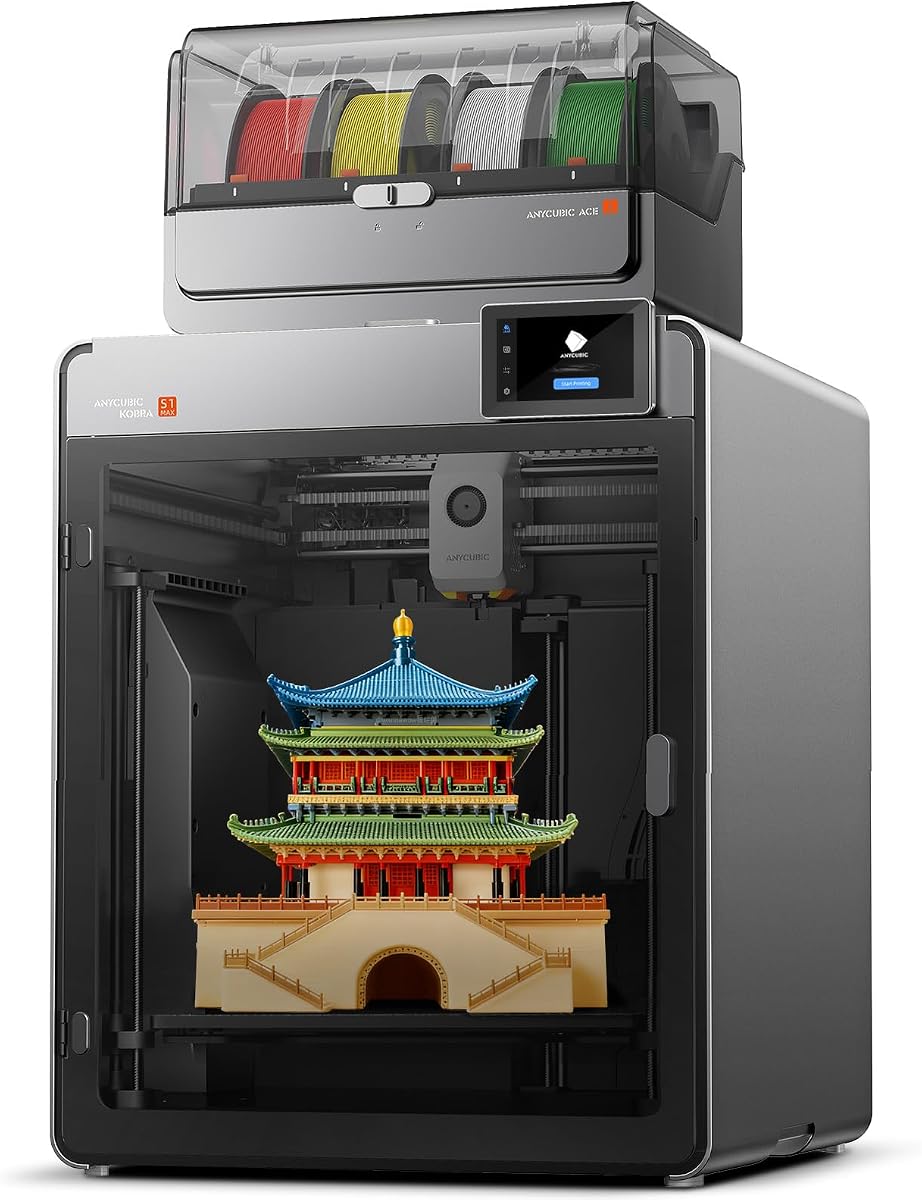
The Kobra S1 Max Combo offers a 350x350x350mm build volume with ACE 2 Pro multi-color integration. It provides 600mm/s speeds and reliable auto leveling. The large volume supports big models without splitting.
We may earn a commission when you buy through this link, at no additional cost to you.
ACE 2 Pro units allow up to 16 colors. The heated chamber supports ABS and ASA. LeviQ 3.0 auto-leveling ensures first layers are perfect. It suits creators needing batch printing.
New to market and unrated so reliability varies. High costs may deter hobbyists. Yet the color and volume make it a strong option.
Ideal for professionals needing color without post-processing. The combination of volume speed and color capability supports efficient workflows.
ACE 2 Pro expands printing up to 16 colors.
350mm build allows large-scale models in one piece.
We may earn a commission when you buy through this link, at no additional cost to you.
Choosing the right large-format FDM printer involves evaluating build volume, speed, automation, and material compatibility. This guide explains key factors to consider.
Build volume determines the maximum size you can print without splitting models. Look for printers offering at least 300mm on all axes to handle large prototypes. Larger volumes enable batch production and reduce assembly steps.
Prioritize models matching your typical project sizes. Consider footprint and clearance for tall parts when selecting size.
Higher speeds like 600mm/s reduce time for large prints. Look for CoreXY or high-performance systems that maintain accuracy at speed. Acceleration rates also affect print times and quality.
Balance speed with reliability. Faster machines save hours on big jobs but may need more tuning.
Large prints often use engineering filaments like ABS, ASA, or carbon fiber. Ensure the printer supports high temperatures and has a heated chamber if needed. Hardened nozzles prevent clogging with abrasive materials.
Check filament support lists for your preferred materials. Enclosed designs help with warping on larger parts.
Auto-leveling and AI monitoring improve reliability and reduce failures. Look for systems that minimize manual calibration steps. Resume functions protect long prints from interruptions.
Automation is critical for large jobs. These features save time and materials when mistakes occur.
Multi-color systems like AMS or ACE units allow vibrant parts without painting. Consider how many colors you need and the cost of expansion kits. Seamless color swapping reduces waste and labor.
Evaluate if color is essential for your projects. Some models support up to 16 colors for complex assemblies.
Large prints need rigid frames to avoid vibration and wobbling. All-metal and die-cast designs provide better accuracy for tall parts. Dual Z-axis or linear rails also improve stability.
Look for reinforced frames if printing tall objects. Stability ensures consistent quality across the build volume.
Remote control via WiFi or app simplifies monitoring large jobs. Look for slicing software compatible with your workflow. Open-source boards offer more control but may need more effort.
Choose software that integrates with your systems. Remote monitoring helps catch issues before prints fail.
Consider ongoing costs like filament, maintenance, and accessories. Multi-color kits and heated chambers increase initial cost but improve capabilities. Check warranty and support availability.
Balance upfront price with long-term value. Higher initial costs may reduce waste and downtime over time.
Start by leveling the bed using the auto-leveling system and verifying the nozzle height. Use a calibrated filament compatible with your chosen material. Place parts flat on the bed to reduce stress on large prints.
Monitor prints through AI cameras or apps during long jobs. Keep the filament dry to avoid clogs and poor quality. Regularly clean the nozzle and check belts for tension.
Schedule monthly maintenance to lubricate rails and inspect the frame. Update firmware to access new features. Store the printer in a dry environment to protect electronics and extend lifespan.
Large format FDM printers typically have a build volume of at least 300mm on one axis. They allow you to print larger parts in one piece reducing assembly. Look for models like 400mm+ volumes for maximum flexibility.
Yes many large printers support multi-color via AMS or ACE systems. These units automate filament changes enabling up to 16 colors. This reduces manual work and expands creative options.
Use a heated chamber and adhesion aids like glue or tape. Enclosed designs maintain consistent temperatures. Keep the bed level and use rafts or brims to anchor large models.
PLA PETG and ASA are reliable for most large prints. ABS and carbon fiber need heated chambers. Avoid very flexible filaments for tall structures as they may sag.
Choose printers with 600mm/s or higher speeds and strong acceleration. Ensure the frame is rigid to reduce vibration at speed. Use high-flow nozzles to maintain extrusion rates.
Large prints often need less part cooling to prevent warping. Ensure chamber cooling works properly for materials like ABS. Use fans for overhangs but reduce speed for flat surfaces.
This guide reviewed ten top large-format FDM printers offering unique strengths for speed size and color. From the Bambu Lab P1S to the QIDI Max4 Combo each option supports different workflows and needs.
Prioritize build volume and material compatibility if you handle big prototypes. Multi-color systems save labor for vibrant parts. Reliability features like auto-leveling and AI monitoring prevent costly failures.
Prices change often so verify current offers and reviews before buying. Investing in the right large printer boosts productivity and creative possibilities.