
65W USB C Laptop Charger Compatible with Lenovo ThinkPad
4.5Editor score
65W fast charging output
Reinforced connector joint
Compatible with multiple models
This guide compares the top Lenovo Thinkpad Charger options for 2026, covering USB C adapters, wattage needs, and compatibility across ThinkPad models.
Finding the right power adapter is essential for keeping your ThinkPad running smoothly during long workdays. A reliable charger ensures stable performance and protects your device from electrical issues.
We evaluated ten top-rated chargers based on compatibility, build quality, and charging speed. Our analysis covers official Lenovo adapters and trusted third-party options with robust safety features.
Each pick includes detailed specs and real user feedback to help you decide. Remember that prices fluctuate, so check the current listing before purchasing your next power solution.
4.5Editor score

4.4Editor score

4.6Editor score
The following table presents a side-by-side comparison of all ten selected chargers, highlighting key specifications and compatibility details to simplify your decision process.
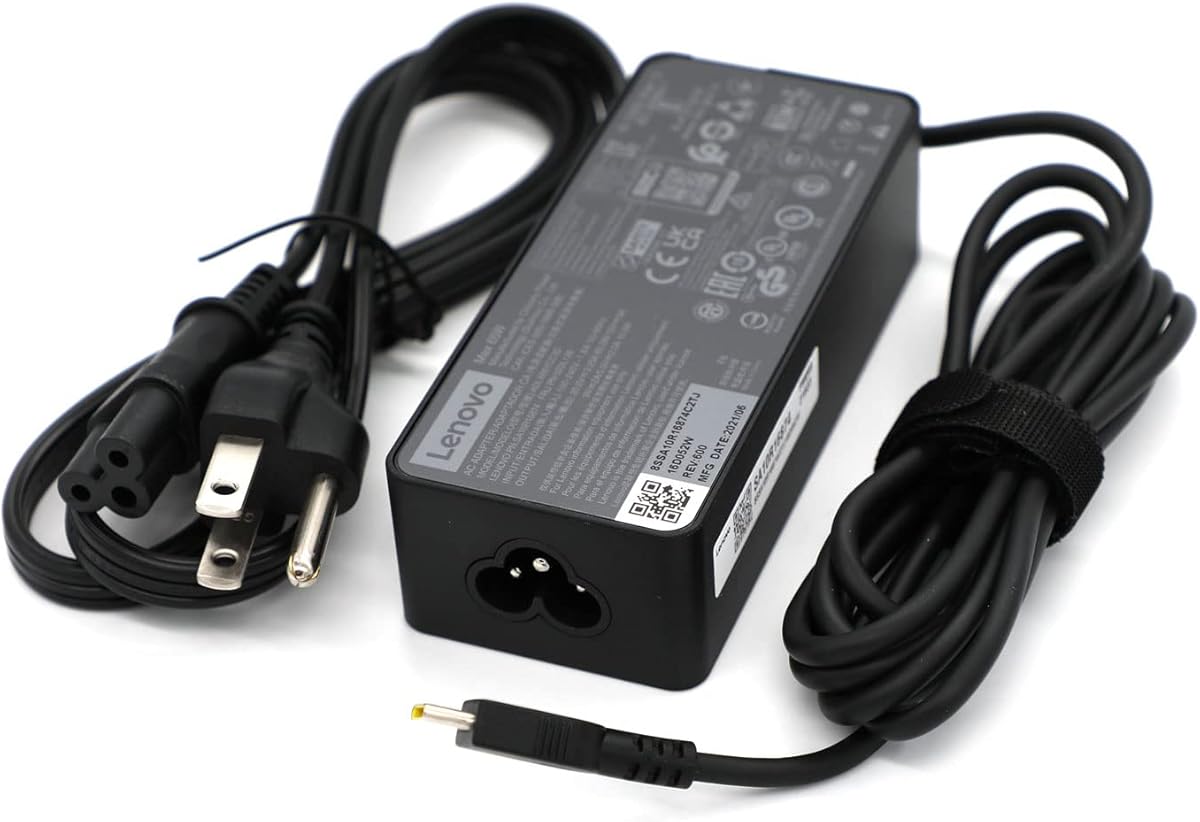


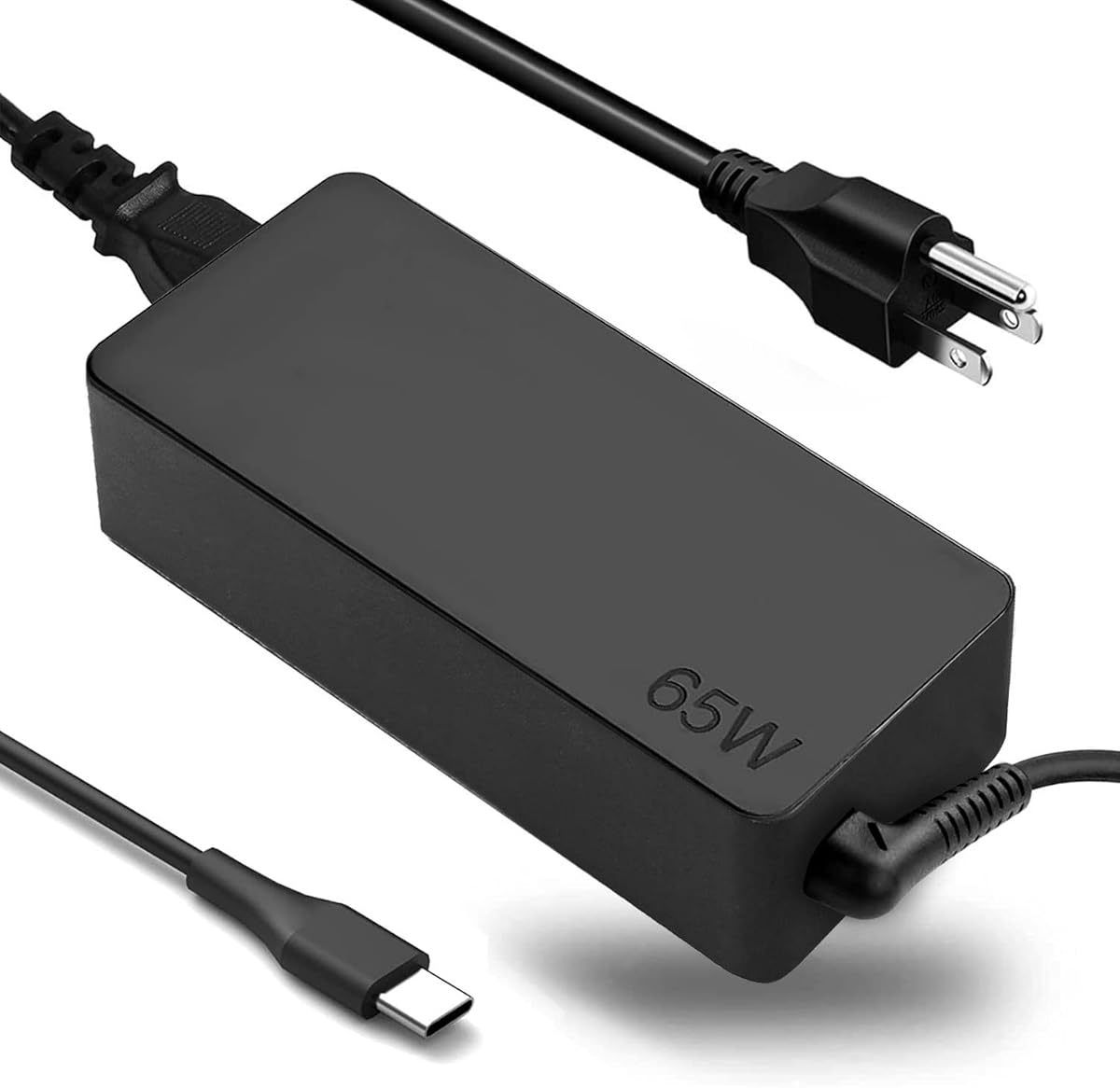
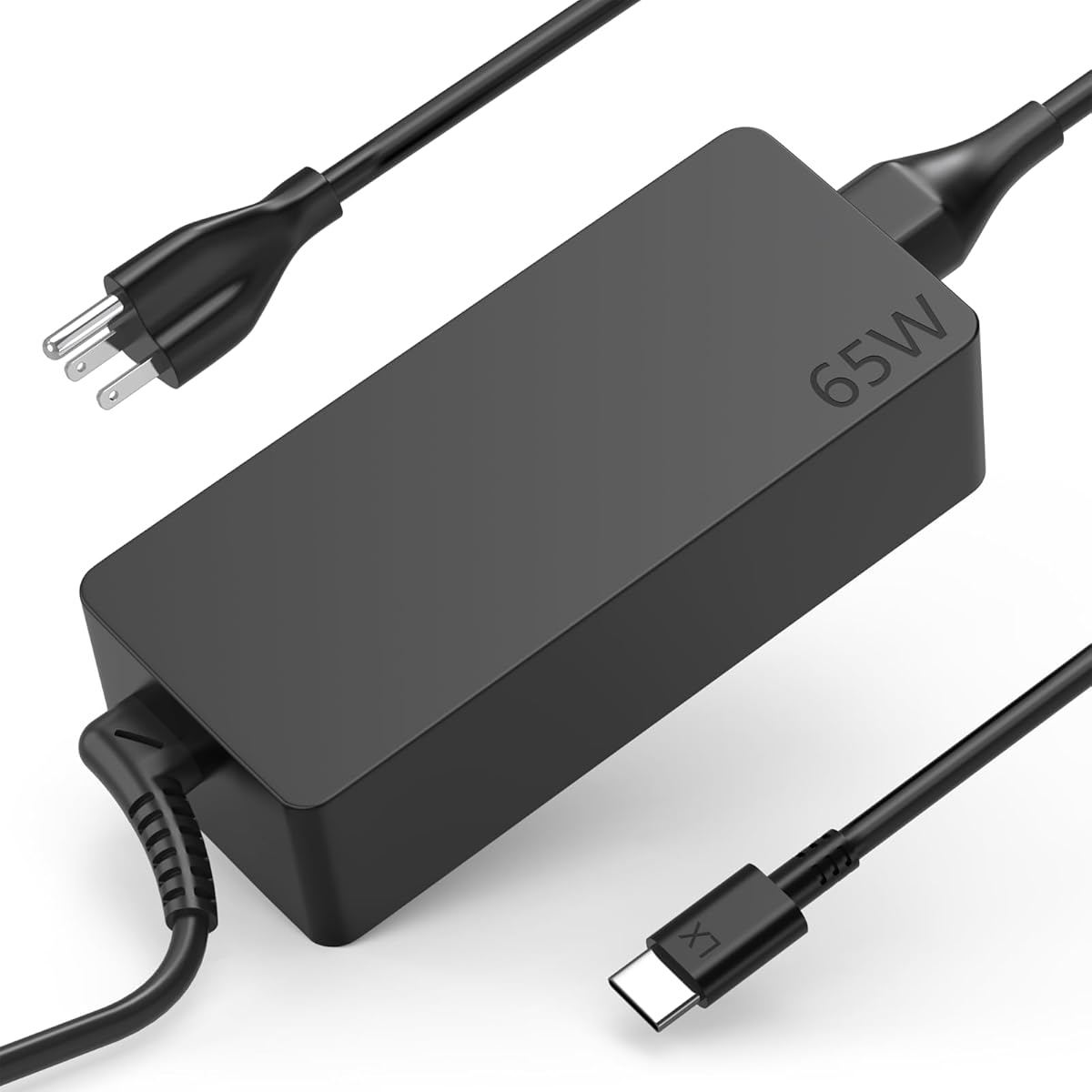


This official Lenovo charger offers a trusted solution for ThinkPad owners needing a reliable power source. With a 65W output, it handles most business ultrabooks efficiently while maintaining strict voltage standards.
We may earn a commission when you buy through this link, at no additional cost to you.
Its compatibility list includes many popular models like the T14, T15, and X1 Carbon generations. The multiple voltage outputs ensure it adapts well to different device requirements without overheating.
While the rating is moderate compared to third-party options, the safety assurance of an official product is valuable. Users should verify their specific SKU before purchasing to ensure perfect match.
Buyers seeking guaranteed compatibility and official support should prioritize this adapter. It is an excellent choice for corporate environments where standardization is key.
Using an original adapter minimizes risks of hardware damage and ensures full warranty protection for your Lenovo device.
The adapter supports 20V, 15V, 9V, and 5V outputs, making it flexible for various device charging needs.
We may earn a commission when you buy through this link, at no additional cost to you.
This charger stands out for its impressive rating and budget-friendly price. It supports Power Delivery 3.0 technology, ensuring fast charging speeds for modern laptops.
We may earn a commission when you buy through this link, at no additional cost to you.
The reinforced connector joint is a standout feature, addressing common wear and tear issues found in cheaper adapters. Users report less fraying over time.
While it is a third-party product, the extensive compatibility list covers nearly all recent ThinkPad and Yoga models. The safety features include over-voltage and over-current protection.
For those looking to save money without sacrificing performance, this is a top contender. It balances quality and affordability effectively for daily use.
The connector joint is tested to withstand over 50,000 bends, significantly extending the cable's lifespan.
It automatically adjusts output between 65W and 45W to match the device's needs efficiently.
We may earn a commission when you buy through this link, at no additional cost to you.
This wall charger combines official Lenovo quality with a sleek, portable design. The extra-long cable provides flexibility in crowded workspaces or hotel rooms.
We may earn a commission when you buy through this link, at no additional cost to you.
It leverages PD 3.0 technology for rapid charging, which is ideal for travelers needing quick power boosts. The slim form factor fits easily into small laptop bags.
Despite the premium price, the build quality is exceptional. Users appreciate the clean design and the peace of mind that comes with an official adapter.
Travelers and mobile professionals will find this charger particularly useful. It is a premium solution for those prioritizing convenience and reliability.
The 1.7m cable allows you to charge comfortably without being tethered close to the wall outlet.
Advanced PD 3.0 ensures optimized energy transfer for faster charge times on compatible devices.
We may earn a commission when you buy through this link, at no additional cost to you.
This slim adapter is designed for optimal performance with standard ThinkPad models. It provides a constant voltage supply to ensure smooth device operation.
We may earn a commission when you buy through this link, at no additional cost to you.
The 65W maximum output is sufficient for most business laptops. Users value the robust build quality typical of official Lenovo accessories.
While not as feature-rich as some third-party options, its reliability is unmatched. It serves as a stable replacement for worn-out original chargers.
Recommend this for users who prefer original parts. It ensures consistent charging performance without compatibility issues.
The adapter maintains stable voltage levels, reducing stress on your laptop battery components.
Its compact design saves space in your bag, making it easy to carry for daily commutes.
We may earn a commission when you buy through this link, at no additional cost to you.
This charger is designed to work with a vast array of ThinkPad and Thinkbook models. Its compatibility with Yoga devices makes it versatile for mixed-device households.
We may earn a commission when you buy through this link, at no additional cost to you.
Built-in safeguards monitor temperature and voltage in real time, protecting your device from potential electrical hazards. This adds a layer of safety often missing in cheaper alternatives.
The adapter is priced competitively, offering good value for the features provided. Users appreciate the comprehensive package that includes necessary cables.
If you own multiple devices or a newer ThinkPad model, this option covers many bases. It is a reliable choice for diverse laptop fleets.
Real-time monitoring of voltage and temperature ensures safe charging under various conditions.
Supports both ThinkPad business and consumer Yoga series, simplifying your accessory needs.
We may earn a commission when you buy through this link, at no additional cost to you.
This adapter is a solid replacement for those with mixed Lenovo and Chromebook setups. It supports a wide range of voltage outputs for flexible device usage.
We may earn a commission when you buy through this link, at no additional cost to you.
Users find it easy to use with straightforward instructions. The packaging is simple but includes the essential power cord needed for immediate use.
While durability might not match official parts, the performance is consistent for daily charging needs. It is a good secondary charger for home or office.
Choose this if you need a spare charger that works across multiple device types. It offers practical functionality at a low cost.
Its compatibility extends beyond ThinkPads to include various Yoga and Chromebook models.
The 100-240V input range makes it suitable for international travel without needing a transformer.
We may earn a commission when you buy through this link, at no additional cost to you.
This adapter offers an affordable solution for users needing a backup power source. Its design aims for flawless compatibility with most 65W USB C Lenovo laptops.
We may earn a commission when you buy through this link, at no additional cost to you.
Customers appreciate the simplicity of the setup. The charger performs well for basic charging tasks without unnecessary complications.
While it is a budget option, performance remains reliable for everyday use. It is best suited for scenarios where cost is the primary concern.
We recommend this for budget-conscious buyers needing a temporary or secondary charger. It provides essential functionality at a minimal investment.
The low price point makes it ideal for purchasing multiple units for different locations.
Designed to fit any Lenovo laptop requiring a standard 65W USB C connector.
We may earn a commission when you buy through this link, at no additional cost to you.
This charger distinguishes itself by supporting a wide variety of brands including HP, Dell, and Samsung. It is ideal for offices with diverse laptop fleets.
We may earn a commission when you buy through this link, at no additional cost to you.
The technical specifications are robust, ensuring stable power delivery across different manufacturers. Users find the wide compatibility list highly convenient.
While primarily focused on ThinkPad compatibility, its cross-brand capability adds significant value. This reduces the need for multiple chargers in mixed environments.
It is a versatile pick for IT managers or families with different laptop brands. The performance is consistent across supported devices.
This adapter can power devices from Dell, HP, and Samsung, streamlining your accessory collection.
The standard USB C interface ensures broad compatibility with most modern laptops and devices.
We may earn a commission when you buy through this link, at no additional cost to you.
For high-performance workstations and gaming laptops, this 135W adapter is necessary. It delivers the extra wattage required by demanding models like the P series.
We may earn a commission when you buy through this link, at no additional cost to you.
The official Lenovo design ensures it meets all safety standards. Users with powerful devices report consistent performance and quick charge times.
While more expensive and heavier than 65W models, it is essential for those needing maximum power. It prevents throttling under heavy load.
Choose this if you own a mobile workstation. It provides the power headroom needed for intensive tasks like rendering or gaming.
The 135W capacity ensures full performance for laptops with discrete GPUs or high-end processors.
Being an official Lenovo product, it guarantees compatibility with high-power ThinkPad models.
We may earn a commission when you buy through this link, at no additional cost to you.
This adapter is specifically designed for Lenovo's gaming lines like Legion and IdeaPad Gaming. It provides the high power necessary for demanding graphics workloads.
We may earn a commission when you buy through this link, at no additional cost to you.
Users report excellent stability during intensive gaming sessions. The official adapter ensures optimal performance without risking device safety.
While costly and heavy, it is often the best option for gaming laptops that do not accept USB-C charging. It is a reliable replacement for original units.
Gamers needing a high-wattage solution should prioritize this model. It delivers the consistent power needed for gaming on the go.
This adapter is engineered for gaming laptops that require higher wattage for optimal performance.
As an official part, it maintains warranty standards and ensures safe charging for high-power devices.
We may earn a commission when you buy through this link, at no additional cost to you.
Choosing the right charger involves considering wattage, connector type, and safety features to ensure your device charges efficiently and safely.
Your charger must match or exceed the original power adapter's wattage to prevent slow charging or battery drain during heavy use. Most ultrabooks require 65W, while workstations need 100W or more.
Always check your laptop's specifications before buying to ensure the charger can handle your device's power needs.
Modern ThinkPads use USB-C, while older models use barrel plugs or Slim Tip connectors. Ensure the physical connector matches your device port exactly to avoid connection issues.
Verify the connector shape and voltage rating to guarantee a secure fit and stable power delivery.
Power Delivery (PD) technology allows chargers to negotiate the best voltage and current for your device. Look for PD 3.0 support for faster and more efficient charging on newer laptops.
Choose a charger with PD support to take advantage of faster charging speeds and broader compatibility.
A longer cable provides flexibility in seating arrangements, especially when outlets are far from your workspace. Durability is also key to preventing fraying and breaks over time.
Opt for models with reinforced joints and durable materials to extend the lifespan of your charger.
Chargers should include protection against over-voltage, over-current, and overheating to safeguard your device from electrical damage. Third-party brands vary in safety quality, so check reviews carefully.
Prioritize chargers with multiple safety certifications to ensure reliable protection for your device.
Official Lenovo adapters offer guaranteed compatibility and safety but are often more expensive. Third-party options provide better prices and features but require careful vetting of customer reviews.
Weigh the cost savings against the risk of compatibility issues when choosing between official and third-party brands.
A solid build reduces heat generation and ensures stable electrical connections. Check user reviews for mentions of durability and reliability over time.
Invest in a charger with a robust housing and quality materials to avoid frequent replacements.
Travelers should look for slim, lightweight chargers that fit easily into backpacks without adding excessive bulk. Foldable plugs also aid in compact storage.
Consider a travel-friendly adapter if you frequently move between offices or work remotely.
Plug the AC cord into the adapter and connect the USB-C cable to your laptop's port securely. Ensure the connection is firm to maintain stable power transfer.
Avoid bending the cable sharply near the connector as this can damage internal wires. Store the cable in a loose coil rather than tight loops to prevent wear.
Unplug the charger from the wall when not in use to save energy and reduce heat exposure. Regularly inspect the cable and adapter for signs of wear or damage.
While a 45W charger can charge many ultrabooks, it may be slower and could struggle during high-performance tasks. It is best to use a charger with at least the original recommended wattage.
Most modern ThinkPads use USB-C, but older models use barrel plugs or slim tip connectors. Always verify your specific model's port type before purchasing a new adapter.
Reputable third-party chargers with proper safety certifications are generally safe. Avoid cheap, uncertified brands to reduce risks of overheating or electrical damage.
Slow charging often results from using a lower wattage adapter or charging while the laptop is under heavy load. Ensure your charger meets the required wattage for your model.
Check the label on your original charger or consult your laptop's manual for the required power output. Most ThinkPads require between 45W and 135W depending on the model.
Yes, using a higher wattage charger is safe because the laptop only draws the power it needs. This will not damage your device and may even charge faster.
Selecting the right charger ensures your ThinkPad remains operational throughout demanding workdays. Our top picks balance performance, durability, and cost for various needs.
Prioritize safety features and correct wattage to protect your device and maintain optimal performance. Official adapters provide peace of mind while third-party options offer value.
Prices and availability fluctuate so verify current listings before making a purchase. Check user reviews for recent feedback on build quality and compatibility.