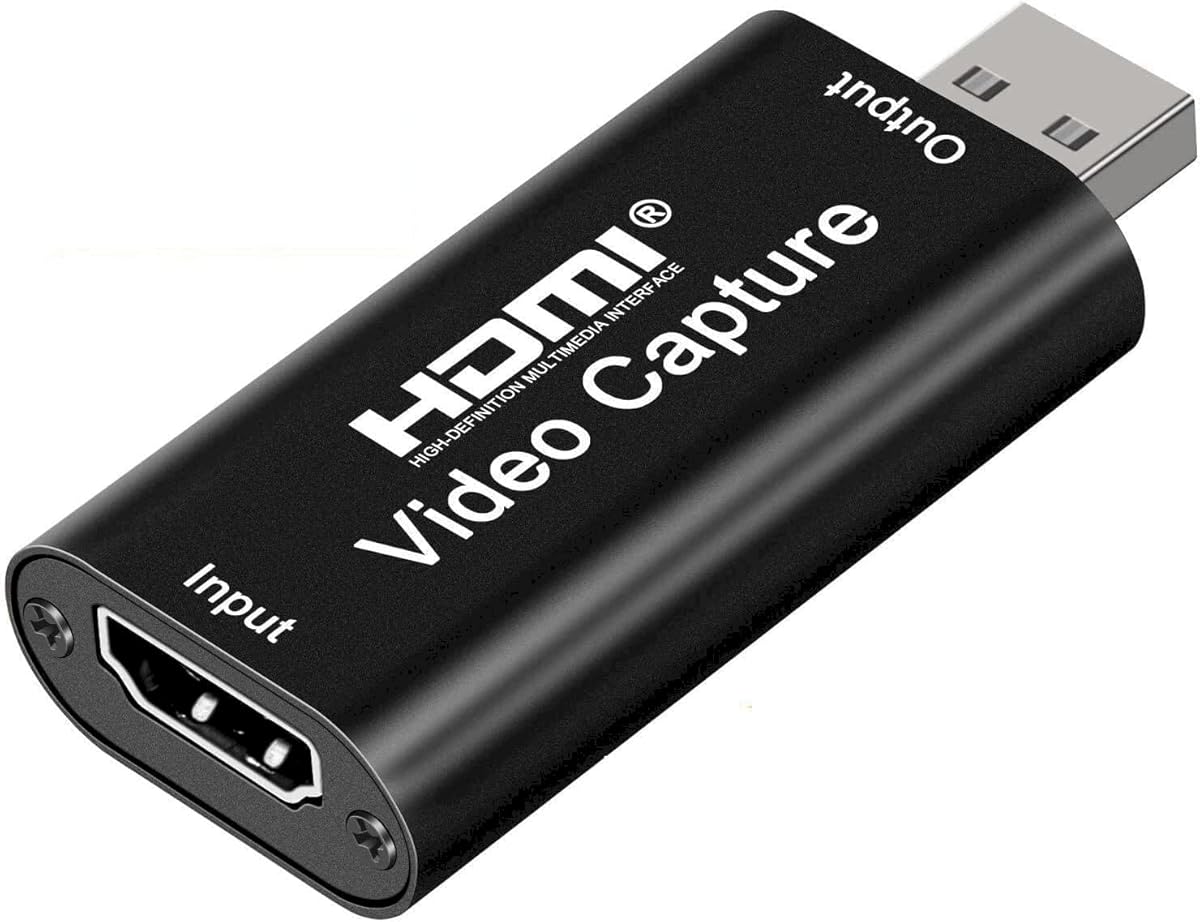
Audio Express AXHDCAP 4K
4.4Editor score
Affordable entry-level price
Plug and play operation
Supports 4K input signal
This guide compares the top HDMI to USB capture devices for streaming and recording. We evaluate performance, compatibility, and features to help you choose
Choosing the right HDMI to USB capture device is essential for streamers, gamers, and content creators who want to broadcast high-quality video. These tools convert HDMI signals from cameras or consoles into USB data that computers can process easily for live streaming or recording.
We have analyzed ten leading models based on resolution support, latency, build quality, and compatibility across major operating systems. Our selection includes budget-friendly options and professional-grade cards to ensure every user finds a solution that fits their workflow and technical requirements.
Each pick highlights specific strengths such as 4K input, low latency performance, or unique loop-out features. Keep in mind that product availability and pricing can change frequently, so always verify current details before making a final purchase decision for your setup.
4.4Editor score

4.7Editor score
4.6Editor score
Below you will find a side-by-side comparison of all ten capture devices featured in this guide. This table helps you quickly identify key specifications like resolution support, interface types, and unique features across each model.
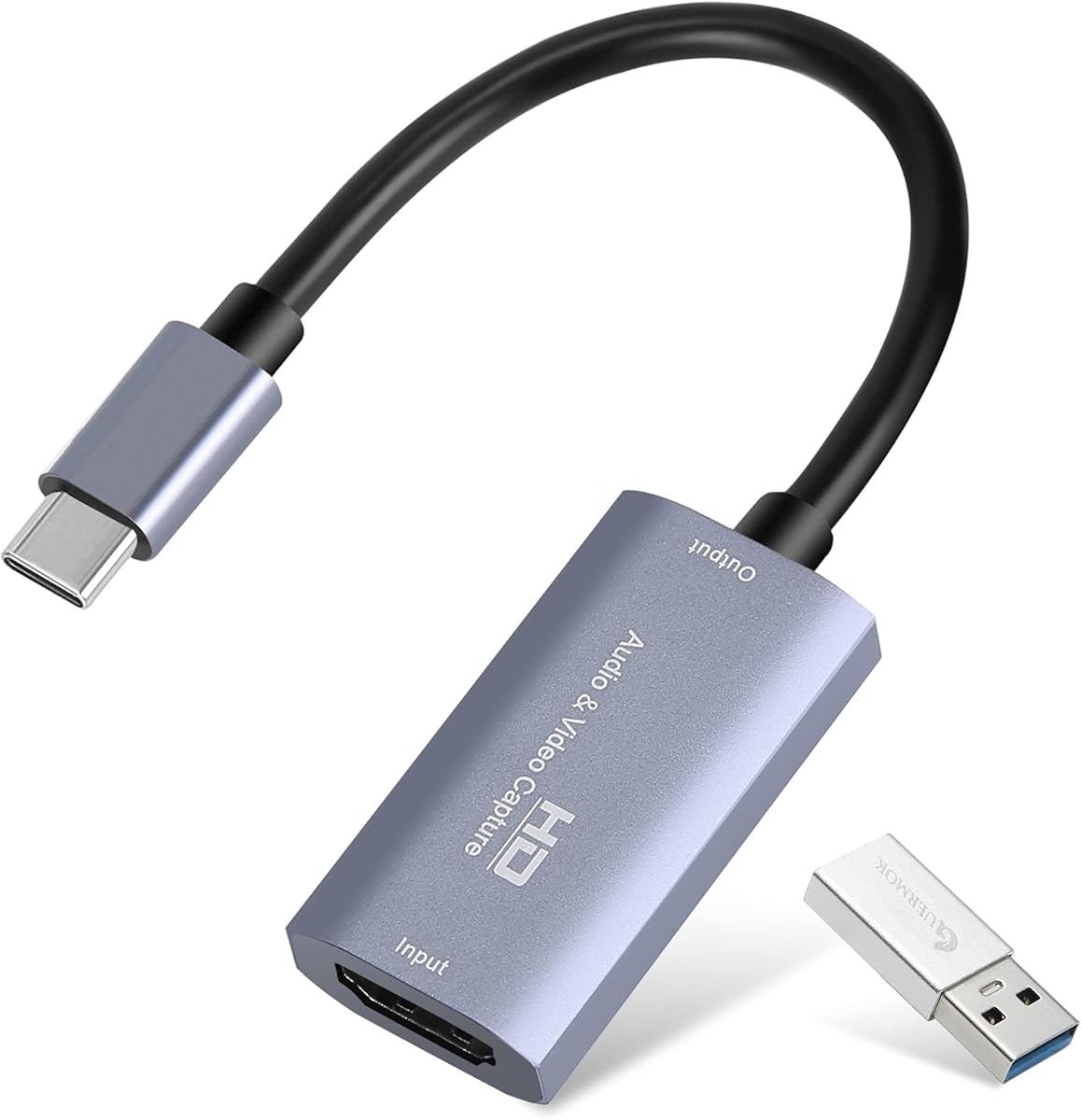


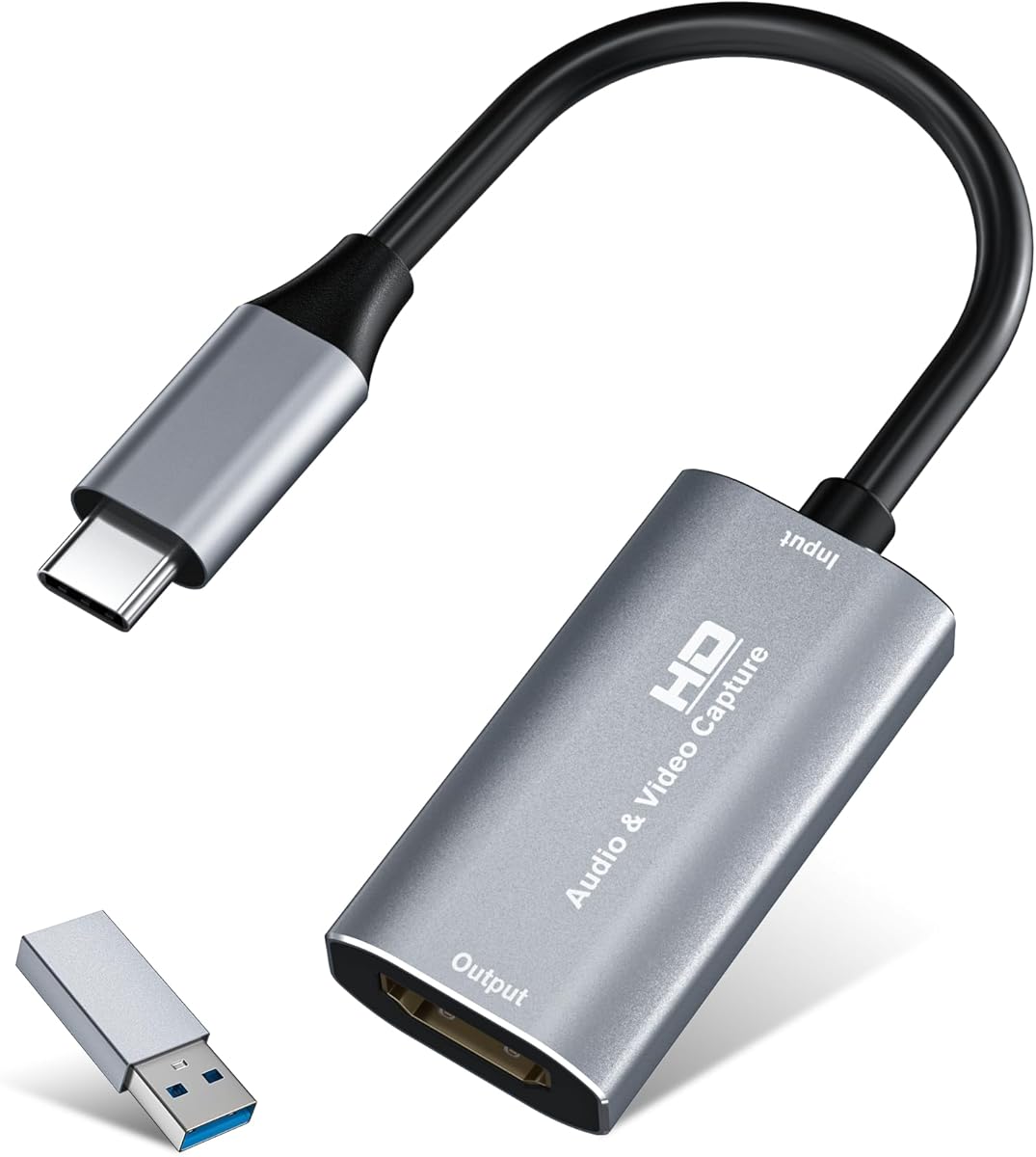


The Guermok Video Capture Card stands out as a top choice for streamers needing reliable performance without breaking the bank. With a solid 4.4 rating from users, it delivers consistent 1080p at 60fps capture quality suitable for most gaming and conferencing scenarios.
We may earn a commission when you buy through this link, at no additional cost to you.
Its aluminum alloy casing ensures effective heat dissipation during long sessions, preventing overheating and lag. The device supports 4K input resolution and outputs up to 2K or 1080p60, making it versatile for different content creation needs. You can easily connect via USB 3.0 or Type-C to modern laptops.
While it requires a software restart after audio setup and lacks two-way signal support, these minor drawbacks are acceptable given the price. The ultra-low latency ensures smooth streaming on platforms like Twitch and YouTube without noticeable delays for your audience.
We recommend this card for beginners or budget-conscious creators who need a portable solution. Its lightweight design makes it perfect for outdoor events or travel, while the plug-and-play functionality removes the hassle of driver installations.
The device avoids blue screens and lag during live gaming or recording, ensuring a smooth experience for both you and your viewers.
Its small size allows you to carry it in a bag for emergency live streaming or quick recording sessions anywhere you go.
We may earn a commission when you buy through this link, at no additional cost to you.
This acer Video Capture Card offers impressive versatility with its 2-in-1 USB-A and Type-C interface, allowing seamless connection to a wide range of devices. Users appreciate the smooth 1080p 60fps performance which eliminates motion blur in recorded footage and live streams.
We may earn a commission when you buy through this link, at no additional cost to you.
The USB 3.0 interface provides up to 5Gbps bandwidth, ensuring lag-free HD capture even during high-bandwidth loads. Its aluminum casing helps dissipate heat effectively, maintaining stable performance over time. It works well with consoles, cameras, and modern operating systems including iPadOS 17+.
While it only supports one-way transmission and requires a USB 3.0 port for optimal results, these constraints are standard for this class. The compact construction makes it easy to carry anywhere, fitting easily into a backpack for mobile setups.
Ideal for users needing broad device compatibility, this card works with PS5, Switch, and Oculus Quest. Its worry-free after-sales support adds peace of mind, making it a reliable choice for both newcomers and experienced streamers.
The 5Gbps bandwidth ensures lag-free streaming and recording, delivering fluid visuals without stuttering or motion blur.
Supports major operating systems and streaming platforms like OBS, Twitch, and YouTube without requiring any drivers.
We may earn a commission when you buy through this link, at no additional cost to you.
The Magewell USB Capture HDMI Gen 2 represents a premium option for professionals needing high-quality video capture. With a 4.7 rating, it supports resolutions up to 2048×1080 at 60fps, delivering smooth and detailed video essential for professional broadcasting and video production.
We may earn a commission when you buy through this link, at no additional cost to you.
Its FPGA-based video processing handles tasks like scaling and color conversion on-device, significantly reducing CPU load on your computer. This design ensures stable performance for 24/7 operation, supported by a 3-year limited warranty that underscores its durability and reliability.
While the price is higher than budget alternatives, the investment pays off in consistent performance and minimal maintenance. It is backward-compatible with USB 2.0 and works instantly on Windows, macOS, and Linux without additional drivers.
Best suited for studio environments or critical broadcast tasks, this device offers USB Capture Utility Control for advanced diagnostics. Its compact design and thermal protection make it a robust choice for long-term professional use.
On-device handling of cropping and scaling reduces CPU load, allowing smoother performance during intensive tasks.
Built for continuous operation with thermal protection and LEDs, ensuring reliable performance during long broadcasts.
We may earn a commission when you buy through this link, at no additional cost to you.
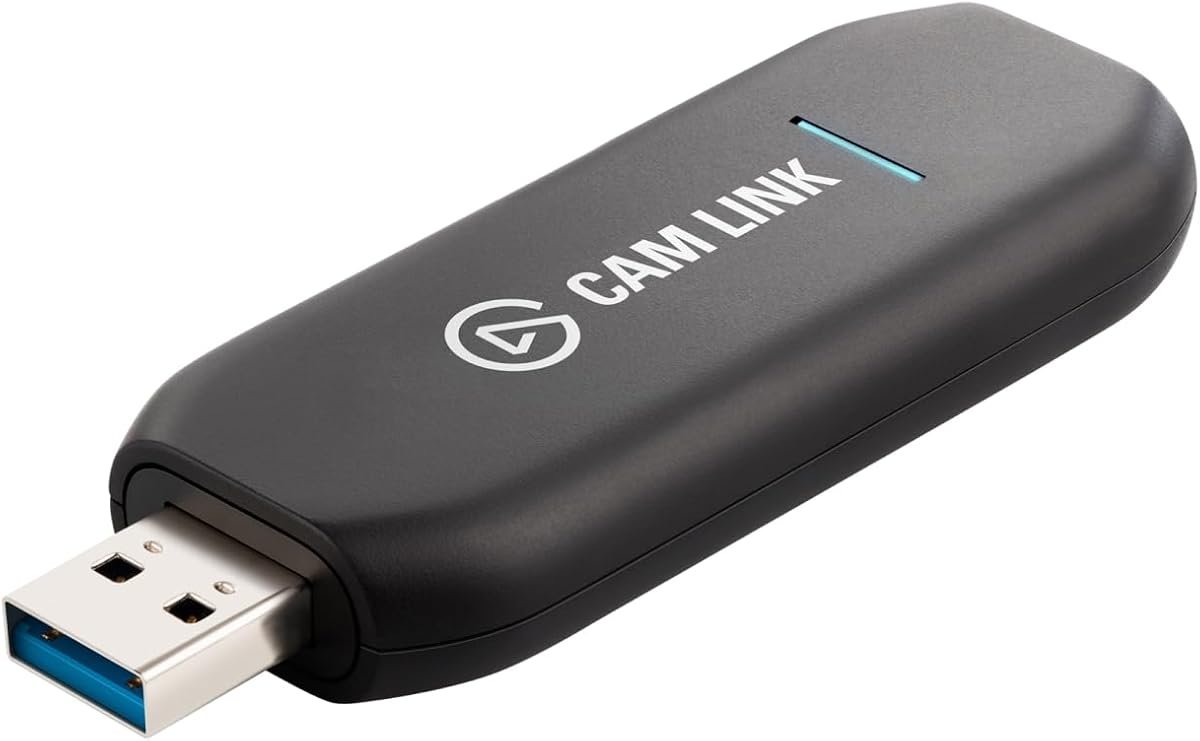
The Elgato Cam Link 4K is engineered specifically to turn your DSLR or mirrorless camera into a high-quality webcam. With its 4.6 rating, users praise its ability to stream in stunning 1080p60 or 4K60 detail, providing razor-sharp visuals that standard webcams cannot match.
We may earn a commission when you buy through this link, at no additional cost to you.
Its ultra-low latency ensures video and audio stay perfectly in sync, which is critical for live broadcasts and real-time interactions. You can connect camcorders, action cams, or even iPhones to level up your content quality instantly. It also supports using an iPad as a pro field monitor for real-time previews.
While it requires a compatible camera and comes with a higher price tag, the output quality justifies the cost for serious creators. It is designed for Windows 10/11 and macOS, offering stable performance for professional streaming and video calls.
This capture card is ideal for creators wanting professional video quality in online meetings or streaming. Its plug-and-play nature simplifies setup, making it accessible even for those new to camera-based production workflows.
Connect your DSLR to any computer to go live in stunning quality with a simple USB connection.
Ultra-low latency keeps your video and audio perfectly in sync, just like it should be for live streams.
We may earn a commission when you buy through this link, at no additional cost to you.
This UGREEN capture card offers a compelling balance of quality and connectivity for daily streaming needs. With a 4.5 rating, it supports 4K input and 2K output resolutions, preserving original video quality for editing while maintaining optimal clarity for live broadcasting.
We may earn a commission when you buy through this link, at no additional cost to you.
The high-speed USB 3.0 technology provides 5Gbps transfer speed with low delay, ensuring smooth streaming to Twitch or YouTube. It features both USB-A and USB-C ports for broad device compatibility. Its aluminum alloy casing shields against EMI to ensure stable signal transmission.
It works well with Switch and PS5 when HDCP is turned off. The built-in cable with tinned copper conductors enhances durability and reduces signal loss during extended use. Just ensure your iPad is updated to 17 or higher for USB-C compatibility.
We recommend this for streamers seeking reliable performance across different setups. Whether broadcasting mobile games or camera footage, its universal compatibility with major software like OBS and XSplit makes it a versatile tool.
USB 3.0 technology ensures optimal performance with low delay for seamless streaming to various platforms.
Aluminum casing shields against EMI while ensuring excellent conductivity and corrosion resistance.
We may earn a commission when you buy through this link, at no additional cost to you.
This Capture Card offers exceptional value for gamers wanting to add commentary without extra adapters. With a 4.3 rating, it supports 1080p high-quality capture and includes a built-in mic-in port for easy live commentary during gameplay or classes.
We may earn a commission when you buy through this link, at no additional cost to you.
It features true plug-and-play functionality with automatic input detection and no driver requirements. The HDMI loop-out allows you to play while capturing simultaneously without noticeable delays. It works smoothly with various HDMI devices like PS5, Xbox, and DSLR cameras.
While it does not support 4K120Hz input and max output is 2K30Hz, these limits are fine for most streaming needs. The USB 3.0 interface ensures superior low latency technology for seamless transmission to platforms like Twitch and YouTube.
Ideal for streamers needing commentary, this card simplifies setup. Its compatibility with Windows and Mac OS ensures flexibility, making it a great choice for budget-conscious users who still want robust features.
Use a 3.5mm headset to add voice commentary easily without needing external audio adapters.
Capture one single channel HD signal without delay while playing games live for your audience.
We may earn a commission when you buy through this link, at no additional cost to you.
The Audio Express AXHDCAP is an incredibly affordable option for casual users needing basic capture capabilities. With a 4.4 rating, it offers an enhanced 4K input experience and outputs 1080p with rich stereo sound, perfect for teaching or simple streaming.
We may earn a commission when you buy through this link, at no additional cost to you.
Its plug-and-play design eliminates the need for drivers or external power, making setup effortless. The advanced ultra-low latency technology ensures seamless real-time previews so you never miss a moment. It is built to last with thermal dissipation features.
Note that this device only supports USB 2.0 speeds and max output is 1080p at 30fps. This limits high-resolution recording but keeps the price accessible. It works well with Windows, MacOS, and Linux for basic needs.
Best for students or educators needing a low-cost solution, this card handles educational recordings and video conferences effectively. While not for high-end 4K streaming, it delivers solid performance for everyday use cases.
Elevate recordings with anti-static 1080P capture and dynamic stereo sound for immersive viewing.
Connect DSLRs and camcorders to various OS for streaming on Twitch and YouTube effortlessly.
We may earn a commission when you buy through this link, at no additional cost to you.
This silver capture card is designed for users prioritizing portability without sacrificing performance. With a 4.4 rating, it records at 2K30Hz or 1080P60Hz with an advanced chipset that ensures ultra-low latency transmission for smooth live streaming.
We may earn a commission when you buy through this link, at no additional cost to you.
Its premium aluminum alloy shell provides stable heat dissipation, crucial for long recording sessions. The compact and lightweight design makes it easy to carry for outdoor streaming or mobile setups. It supports dual-channel audio capture in real time.
Make sure your tablet has OTG function enabled before connecting to ensure proper recognition. Testing the HDMI device with a monitor first is recommended to confirm output before capture. It works seamlessly with most software like Zoom and OBS.
Ideal for travelers or outdoor streamers, this card fits easily into a bag and works with consoles and DSLRs. Its no-driver requirement simplifies setup, allowing you to start capturing content immediately wherever you are.
Advanced chipset ensures stable transmission with no lag or frame drop during live streaming.
No drivers needed; just connect via USB 3.0 or Type-C to your computer and start capturing.
We may earn a commission when you buy through this link, at no additional cost to you.
This acer capture card combines affordability with features that enhance streaming quality significantly. With a 4.5 rating, it supports 4K input and delivers smooth 1080P60Hz output using YUY2 technology for richer colors and lifelike live streaming.
We may earn a commission when you buy through this link, at no additional cost to you.
The mic-in port allows you to plug in a headset directly for voice commentary without extra adapters. This keeps your audio synced perfectly with video. It also includes HDMI loop-out for real-time preview and zero-latency monitoring during gameplay.
It works flawlessly with major platforms like Twitter and YouTube without extra drivers. The compact size fits easily in your bag for on-the-go recordings. Ensure your device is compatible before purchase to avoid headaches.
Best for gamers and teachers needing easy commentary, this card delivers HD quality intact. Its worry-free after-sales support and straightforward design make it a reliable choice for daily streaming and recording tasks.
Plug in a headset to stream or record voice easily without needing extra adapters.
Pairs with streaming apps and devices like Switch, PS5, and DSLR cameras seamlessly.
We may earn a commission when you buy through this link, at no additional cost to you.
The UGREEN capture card stands out for its ability to provide 4K loop-out alongside 2K capture. With a 4.4 rating, it supports capturing up to 2K 30fps with advanced chips that manage high-bandwidth signals effectively for local monitoring.
We may earn a commission when you buy through this link, at no additional cost to you.
It features both USB-A and USB-C ports for low-delay recording on different devices. The dual interface supports MJPEG and YUY2 formats so users can choose between compression and clarity. Its sturdy aluminum casing promotes effective heat dissipation.
Note that Windows 7 requires driver installation and Fire TV Stick is not compatible. It works well with Nintendo Switch and Xbox when HDCP is turned off. This makes it ideal for transferring high-resolution video to iPads or laptops.
Ideal for streamers needing zero-latency monitoring, this card ensures instant reactions. Whether live streaming or editing, its versatile USB-A/C interfaces and universal compatibility make it a practical tool for professional workflows.
Supports capturing up to 2K 30fps for sharp and detailed recordings ideal for creators.
Features USB 3.0 Type-C and Type-A ports with low delay for diverse recording needs.
We may earn a commission when you buy through this link, at no additional cost to you.
Selecting the right capture device depends on your specific use case, technical requirements, and budget. Understanding the key factors ensures you get a device that delivers reliable performance without unnecessary complications.
Resolution determines the clarity of your recorded footage. Most budget options offer 1080p at 60fps which is sufficient for streaming. If you need higher quality, look for devices supporting 2K or 4K input though output may be limited.
Always check both input and output resolutions to ensure they meet your workflow needs before purchasing.
USB 3.0 is essential for high-bandwidth video transmission. Avoid USB 2.0 if you need high resolution as it may limit frame rates and cause lag.
Ensure your computer has compatible ports and use the provided adapters to maximize signal integrity.
Low latency is crucial for live streaming and interactive sessions. Devices with loop-out ports allow you to preview video without delay.
Look for models marketed as ultra-low latency to prevent synchronization issues between video and audio.
Most capture cards work with Windows and macOS but verify support for Linux or iPadOS if needed. Some require specific software versions for full functionality.
Plug-and-play devices reduce setup time and driver complications significantly for everyday users.
Dual-channel audio or mic-in ports simplify commentary recording. Ensure the device supports your microphone standard for clear sound.
Check if audio sync is handled automatically or requires manual adjustments in your streaming software.
Aluminum alloy casings help manage heat during prolonged use. This prevents overheating which can lead to signal loss or device failure.
A sturdy build ensures durability especially if you plan to travel with the device frequently.
Verify compatibility with OBS, XSplit, or Zoom to avoid integration issues. Professional cards often include utility software for advanced control.
Open source software support provides flexibility for custom workflows and future updates.
A longer warranty period indicates manufacturer confidence in product durability. Check for responsive customer support in case of technical issues.
Reading user reviews about reliability can help you avoid models with frequent hardware failures.
Connect your HDMI source to the capture card and plug the USB end into your computer. Open your streaming software and select the capture device as the video source to begin monitoring.
Ensure your computer meets system requirements and update drivers if necessary for smooth operation. Test audio input levels before going live to prevent technical issues during your session.
Keep the device clean and avoid exposing it to extreme temperatures. Store it in a protective case when traveling to prevent physical damage to ports or casing.
Most modern capture devices are plug-and-play and work without drivers. However some specific brands may require proprietary software for advanced features. Always check product details to confirm driver requirements.
Many devices support 4K input but often output only 1080p or 2K due to USB bandwidth limits. Verify specific resolution specs before purchasing if 4K output is required for your workflow.
Try connecting to a USB 3.0 port and ensure no other devices are using the bandwidth. Restart your computer and check if the device appears in your system settings or software.
Yes most models work with PS4 PS5 and Xbox but require HDCP to be disabled on the console. Check manufacturer notes for specific compatibility instructions before use.
Loop-out allows real-time preview without lag which is useful for monitoring during live streams. While not essential for basic recording it is highly recommended for professional setups.
Many support USB-C connections but require OTG functionality or specific OS versions like iPadOS 17. Ensure your device supports UVC protocol for proper device recognition and streaming.
We have reviewed ten top HDMI to USB capture devices ranging from budget options to professional solutions. Whether you need simple streaming tools or advanced loop-out features there is a model for every creator.
Prioritize resolution support and latency performance based on your specific streaming goals. Ensure compatibility with your operating system and software to avoid frustrating setup issues later.
Always verify current availability and check user reviews before purchasing. With the right device you can enhance your content quality and deliver professional results to your audience effortlessly.