
Acer Aspire 14 AI
4.3Editor score
Intel Core Ultra 7 Processor
Up to 47 TOPS NPU
16GB LPDDR5X Memory
AI laptops with dedicated neural processing units are transforming how we interact with technology. These machines handle local AI tasks like real-time translation and image generation without relying on cloud servers for faster responses and better privacy.
We evaluated ten leading models based on NPU performance, display quality, battery life, and build materials. Our analysis focuses on how each device handles Copilot+ features and intensive creative workflows while maintaining portability and energy efficiency.
Each pick highlights specific strengths like OLED screens or expansive memory. Prices fluctuate frequently so check current listings before purchasing. This guide ensures you find the right balance of power and value for your specific computing needs today.
4.3Editor score

5.0Editor score

5.0Editor score
As an Amazon Associate we earn from qualifying purchases.
This side-by-side comparison highlights key specifications across all ten models. Review processor types, NPU performance metrics, memory capacity, and storage options to determine which system aligns best with your performance requirements and budget constraints.


The Acer Aspire 14 AI brings powerful neural processing to a budget-friendly price point. It earns a 4.3 star rating from users who value efficiency and everyday performance. The 47 TOPS NPU handles local AI tasks like Windows Studio Effects efficiently without draining the battery.
We may earn a commission when you buy through this link, at no additional cost to you.
This device shines in productivity workflows thanks to its combination of CPU GPU and NPU processing. You can utilize features like Recall and improved Windows search to manage content effectively. The 16GB LPDDR5X memory ensures smooth multitasking when juggling multiple browser tabs and apps.
While the NPU is solid it trails behind high-end competitors. The 14 inch screen is sharp but lacks the vibrancy of OLED panels. These trade-offs are acceptable given the affordable price which makes it accessible for students and casual professionals.
Buy this if you need an affordable Copilot+ ready laptop. It offers the best balance of AI performance and cost for general use. The lightweight design ensures you can carry it anywhere without fatigue.
The hybrid architecture optimizes tasks across CPU GPU and NPU for sustained speed.
Optimize video presence and system settings with a single keystroke on the keyboard.
We may earn a commission when you buy through this link, at no additional cost to you.
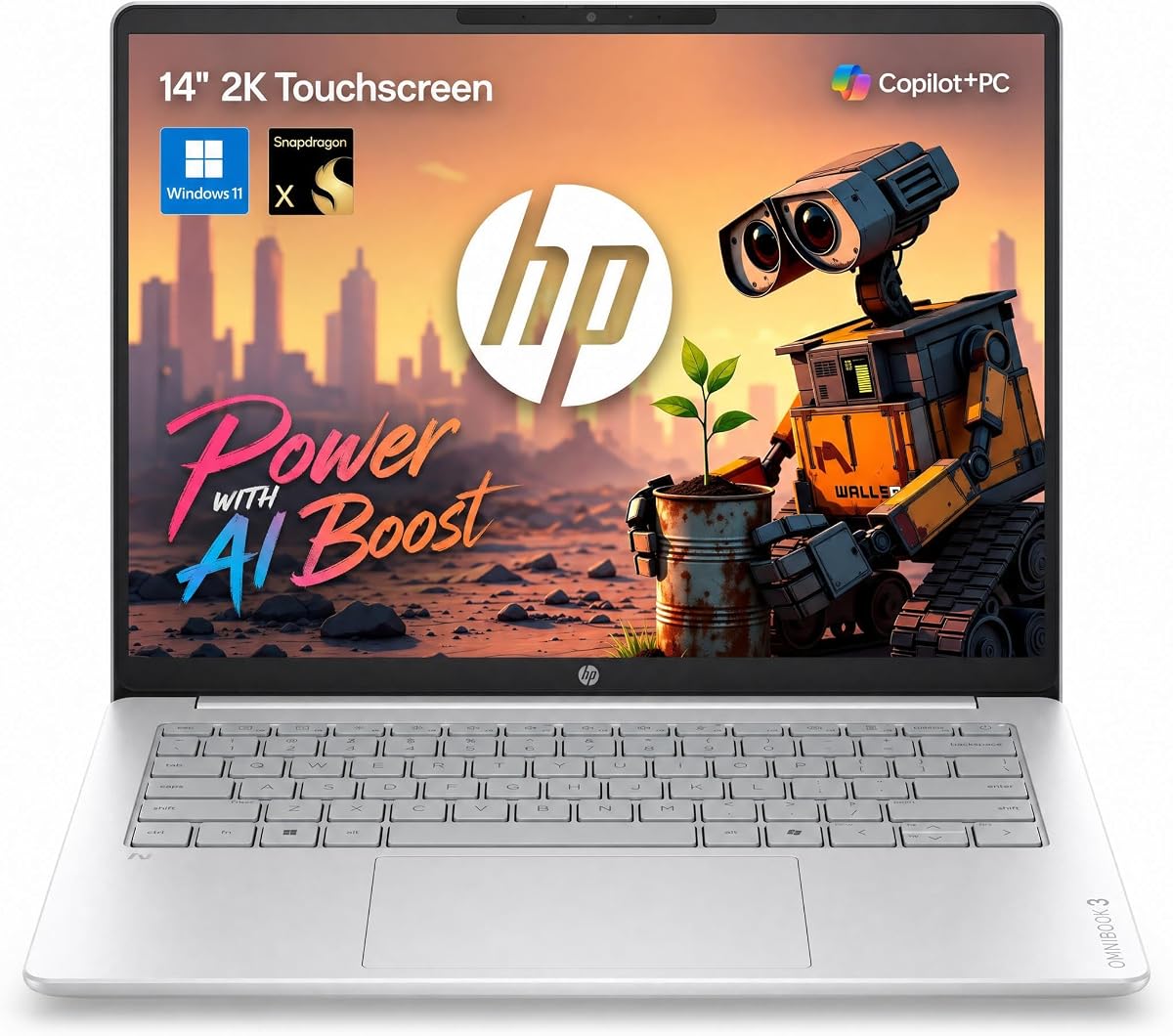
The HP OmniBook 3 14 stands out with an impressive 30 hour battery life and a crisp 2K touchscreen. It holds a 4.6 star rating reflecting strong user satisfaction. The Snapdragon X processor enables Copilot+ features like Recall for efficient workflow management.
We may earn a commission when you buy through this link, at no additional cost to you.
Its 45 TOPS NPU supports real-time summaries and generative content creation locally. The 16:10 aspect ratio provides extra vertical workspace for documents and coding. The lightweight chassis makes it easy to slip into a bag for travel.
However software compatibility can be a concern with ARM-based devices. The lack of Thunderbolt limits external graphics performance. These limitations are manageable for most users who prioritize battery life and portability over raw power.
Choose this for long workdays without a charger. The fast charging feature ensures quick top-ups when time is short. It delivers solid AI performance for its price range.
Designed for productivity this laptop handles extended sessions without needing a power outlet.
The 2K touch display allows for natural navigation and annotation directly on the screen.
We may earn a commission when you buy through this link, at no additional cost to you.
The ASUS Vivobook S16 receives a perfect 5.0 rating for its exceptional display and AI performance. It features a 50 TOPS NPU that handles demanding local workloads effortlessly. The OLED panel delivers deep contrast for creative tasks.
We may earn a commission when you buy through this link, at no additional cost to you.
With 32GB of memory this laptop excels at heavy multitasking. The 50 TOPS NPU ensures rapid AI processing for tools like Windows Studio Effects. Fast charging supports productivity by replenishing power quickly during busy days.
OLED screens carry a theoretical burn-in risk with static images. The price is higher than basic models but justified by the hardware. These trade-offs are minimal compared to the visual and performance benefits offered.
Ideal for creatives needing high-quality visuals and AI speed. The physical privacy shutter ensures security during travel. This model sets a high standard for what AI laptops should achieve.
The narrow border design maximizes screen space for richer visual engagement during work.
Windows Hello sign-ins and camera shutters keep your data safe from prying eyes.
We may earn a commission when you buy through this link, at no additional cost to you.
The Acer Aspire 16 AI offers a large 16 inch screen in a portable frame. It has a 4.2 star rating for its impressive connectivity options. The 120Hz display provides smooth visuals for dynamic content creation.
We may earn a commission when you buy through this link, at no additional cost to you.
Snapdragon X processing supports AI tasks like Recall and content generation locally. The 100% sRGB coverage ensures color accuracy for photo editing. Wi-Fi 7 prepares you for next-generation bandwidth needs.
Storage capacity is lower than some competitors. The 16GB RAM might fill up with heavy workloads. These limits are acceptable for general users prioritizing display quality and speed.
Select this for vibrant visuals and modern connectivity. The webcam quality improves video calls significantly. It delivers a solid Copilot+ experience for most daily tasks.
The 120Hz display reduces motion blur making video editing and gaming more fluid.
Dual USB4 ports support high-speed data transfer and docking station connectivity.
We may earn a commission when you buy through this link, at no additional cost to you.
This NIMO 16 model is a powerhouse for developers and content creators. It holds a 4.6 star rating for its exceptional specifications. The 128GB memory allows running massive local LLMs without cloud dependency.
We may earn a commission when you buy through this link, at no additional cost to you.
The 165Hz display delivers fluid motion for high-end creative work. The 50 TOPS NPU accelerates complex AI workloads effectively. Dual SSD slots enable massive storage expansion for 8K video projects.
Its weight is noticeable for casual travelers. The price point places it out of reach for general consumers. These trade-offs are acceptable for professionals needing raw power in a laptop form factor.
Buy this for intensive AI development and rendering. The OCuLink port ensures you can add external GPUs easily. It is a desktop replacement in a portable package.
128GB unified memory eliminates VRAM bottlenecks for seamless 8K editing workflows.
A dedicated turbo button quickly dissipates heat during heavy sustained computational tasks.
We may earn a commission when you buy through this link, at no additional cost to you.
The ASUS Zenbook A16 earns a perfect 5.0 rating for its stunning display and raw power. It features the Snapdragon X2 Elite Extreme processor with up to 80 TOPS NPU performance. The 3K OLED touchscreen provides incredible color depth.
We may earn a commission when you buy through this link, at no additional cost to you.
Its 48GB RAM ensures smooth multitasking across multiple demanding windows. The 120Hz refresh rate makes the touch experience feel incredibly responsive. Windows 11 Pro adds enterprise-grade security and virtualization support.
The premium price might be prohibitive for some users. Storage is fixed at 2TB which is high but not expandable internally. These trade-offs are minor considering the top-tier specs and design.
Perfect for executives who need style and speed. The 30 minute fast charging ensures you stay productive while moving. It delivers the best visual experience on this list.
Up to 80 TOPS NPU power enables complex AI simulations and local language model inference.
Weighing under 3 lbs this laptop combines high performance with effortless carryability.
We may earn a commission when you buy through this link, at no additional cost to you.
This laptop blends gaming performance with AI capabilities in a large 17.3 inch chassis. It has a 4.5 star rating for its versatile design. The 50 TOPS NPU supports local AI tasks while gaming.
We may earn a commission when you buy through this link, at no additional cost to you.
The Radeon 890M graphics handle AAA titles without a discrete GPU. The 144Hz refresh rate ensures smooth gameplay. USB 4.0 allows for high-speed docking and external storage connections.
The size makes it less portable than 14 inch models. The 16GB base RAM requires upgrades for heavy workloads. These are acceptable for those prioritizing screen real estate and gaming frames.
Ideal for gamers who also need productivity tools. The 180 degree hinge makes sharing content easy. It is a solid hybrid for entertainment and work.
Radeon 890M architecture delivers console-quality visuals within a thin laptop profile.
Dual DDR5 slots allow upgrading RAM to handle large AI datasets efficiently.
We may earn a commission when you buy through this link, at no additional cost to you.
The HP Omnibook 16 focuses on pure productivity with massive storage and memory. It holds a 4.6 star rating for reliable performance. The 32GB RAM handles data analysis tasks effortlessly.
We may earn a commission when you buy through this link, at no additional cost to you.
With 50 TOPS NPU performance it accelerates Windows Studio Effects and local summaries. The 2TB SSD provides ample space for large datasets. Anti-glare finish reduces eye strain during long sessions.
Brightness is lower than premium OLED models. The weight can be tiring for daily commuters. These trade-offs are worth it for the raw specs and price balance.
Buy this for data-heavy office work. The numeric keypad ensures fast input for spreadsheets. It delivers a robust workspace experience for professionals.
2TB storage ensures you never run out of space for extensive file archives.
AMD FreeSync support eliminates screen tearing during dynamic video playback.
We may earn a commission when you buy through this link, at no additional cost to you.
The Dell 16 Plus is designed for business reliability with enterprise-grade features. It has a 4.5 star rating for consistent performance. The Intel vPro platform ensures strong security and manageability.
We may earn a commission when you buy through this link, at no additional cost to you.
It includes Wi-Fi 7 for fast connectivity and Thunderbolt 4 for docking. The 48 TOPS NPU supports local AI acceleration for business apps. The modular design enhances durability for daily travel.
Windows 11 Home is standard rather than Pro for some buyers. The battery life is decent but not class-leading. These limitations are minor for users who need enterprise security.
Choose this for corporate environments requiring security. The dedicated Copilot key offers quick access to AI tools. It delivers stability and speed for professional work.
vPro platform provides multi-layer security and remote management for IT departments.
Thunderbolt 4 and Wi-Fi 7 prepare this laptop for next-gen docking solutions.
We may earn a commission when you buy through this link, at no additional cost to you.
This HP laptop earns a perfect 5.0 rating for its vibrant touchscreen and efficiency. It features a dedicated AI Boost NPU for optimized multitasking and local tasks. The 2K display provides crisp detail for visual tasks.
We may earn a commission when you buy through this link, at no additional cost to you.
The AI Boost NPU improves responsiveness for creative apps and searches. The physical camera shutter offers privacy during video calls. Fast charge supports quick power-ups during busy schedules.
Specific NPU metrics are less detailed than competitors. The battery size is standard rather than extended. These trade-offs are acceptable given the high rating and feature set.
Ideal for users prioritizing touch interaction and privacy. The 16:10 aspect ratio offers more vertical viewing space. It delivers a polished experience for daily use.
Navigate menus and documents naturally with the responsive 2K touchscreen display.
Physical shutters give you physical control over camera and microphone access.
We may earn a commission when you buy through this link, at no additional cost to you.
Selecting the right AI laptop requires understanding key factors like NPU power and memory. We break down the most important specs to help you make an informed decision.
The Neural Processing Unit or NPU handles AI workloads like image generation and real-time translation. Look for at least 45 TOPS to ensure smooth Copilot+ features and future-proofing for advanced tasks.
Higher TOPS ratings allow for faster processing and more complex local models without relying on the cloud.
Laptops use different architectures like Intel Core Ultra AMD Ryzen AI or Snapdragon X. Intel offers broad compatibility while AMD provides high performance. Snapdragon leads in battery efficiency.
Choose Intel for universal software compatibility AMD for speed or Snapdragon for maximum battery life and mobility.
AI workloads benefit significantly from high RAM capacity. Local LLMs and multitasking require substantial memory to function without slowdowns.
Aim for 32GB or more to handle complex datasets and ensure smooth operation across multiple applications simultaneously.
The display is your window to your work. OLED panels offer better contrast and color accuracy which is crucial for creative AI tasks.
Prioritize 120Hz refresh rates and high-resolution panels to make AI-generated content look natural and smooth.
Future connectivity standards like Wi-Fi 7 and USB4 provide the bandwidth needed for external AI hardware and fast data transfer.
Ensure your laptop has USB4 or Thunderbolt ports to connect external GPUs or high-speed storage drives easily.
AI features can drain power quickly if the hardware is not optimized. Look for models with efficient NPUs and large battery capacities.
Target devices that offer 10 hours or more of real-world usage to maintain productivity throughout the day.
Windows 11 is the primary platform for Copilot+ PCs. It integrates AI features deeply into the OS for seamless access.
Verify that the system supports the latest updates to unlock full functionality like Recall and advanced search features.
AI laptops are often premium machines that require durable chassis to protect expensive components during travel.
Choose aluminum or magnesium alloy bodies that offer structural rigidity while keeping the device lightweight.
Enable Copilot+ features in Windows settings to unlock AI tools like Recall and smart search. Ensure your system is updated to get the latest optimizations and feature rollouts from Microsoft.
Use the dedicated AI keys if available to quickly access assistants without navigating through menus. This streamlines your workflow and keeps you focused on your primary tasks.
Keep the laptop on a hard surface during heavy AI workloads to ensure proper heat dissipation. Use the included AC adapter to maintain battery health when performing sustained processing tasks.
An NPU handles AI tasks locally on the device. This means faster processing speeds and better privacy since your data doesn't have to travel to a cloud server. It also reduces the load on the main CPU.
Most modern models support the core features but performance varies. Ensure the laptop has at least 45 TOPS NPU performance and sufficient memory to run Recall and other tools smoothly.
TOPS stands for Trillions of Operations Per Second. Higher TOPS mean the NPU can process more AI data in a second. This translates to faster image generation and quicker text analysis.
Many are capable of gaming especially those with strong integrated GPUs like AMD Radeon. However dedicated graphics cards are still better for the most demanding titles.
Many AI laptops use soldered LPDDR5X memory which cannot be upgraded. Check the specs before buying to ensure the RAM meets your needs for future AI models.
Recall is a feature that creates a searchable timeline of everything you see on your screen. It helps you find past content quickly using natural language queries without manual searching.
We highlighted top models like the Acer Aspire 14 for value and the ASUS Zenbook A16 for premium power. Each laptop offers unique strengths in AI performance and display quality for diverse needs.
Prioritize the NPU power and memory capacity based on your specific workflows. Creatives should look at OLED screens while developers need maximum RAM and fast storage for large datasets.
Remember that technology evolves quickly and prices fluctuate regularly. Always check current listings and verify specs before making your final purchase decision today.