
AMD Ryzen 5 9600X
4.8Editor score
Six cores and twelve threads
Zen 5 architecture efficiency
High clock speed boost
This guide compares the top CPUs for 3D rendering including AMD Ryzen and Intel Core options to help you choose the fastest processor for your workflow.
Choosing the right processor is crucial for 3D rendering tasks that demand high core counts and fast single-core performance. A good CPU ensures smooth viewport navigation and quick final render times for your projects.
We compared ten top models based on core counts, cache sizes, architecture efficiency, and real-world rendering performance. Our list covers budget-friendly options and high-end workstation chips for every need.
Each pick shows key specifications and strengths to help you find the best fit for your budget and software. Please note that product prices and availability can change frequently on retailer sites.
4.8Editor score

4.8Editor score

4.2Editor score
The following table provides a side-by-side view of the top ten processors. It highlights core counts, thread counts, cache sizes, and base boost frequencies to help you compare performance potential at a glance.




The AMD Ryzen 9 9950X stands out as a top choice for rendering tasks due to its impressive 16-core and 32-thread configuration. With a 4.8 rating, it delivers exceptional throughput for complex scenes.
We may earn a commission when you buy through this link, at no additional cost to you.
Its Zen 5 architecture ensures that each core operates efficiently, allowing for faster viewport updates and reduced render times. The 5.7 GHz boost clock helps significantly with single-threaded operations in many 3D software packages.
While the processor performs exceptionally well, it does run warm and requires a capable cooler to maintain peak speeds. Users should budget for high-end thermal solutions to get the most out of this chip.
For professional users needing a balance of gaming and content creation, this CPU is highly recommended. It offers the best overall performance for those willing to invest in the AM5 platform ecosystem.
The 16 cores allow parallel processing of geometry and texture calculations which significantly speeds up production workflows.
High clock speeds ensure that modeling tools respond instantly without lag even in complex assembly environments.
We may earn a commission when you buy through this link, at no additional cost to you.
This processor offers an accessible entry point for hobbyists and freelancers starting their journey in 3D work. With a 4.8 rating, it provides reliable performance for standard modeling and rendering tasks.
We may earn a commission when you buy through this link, at no additional cost to you.
The 6-core design is efficient enough for many applications that do not require heavy parallelism. Its high boost clock of 5.4 GHz ensures snappy interactions in user interfaces and basic viewport operations.
While it lacks the core count of premium chips, it excels in value and efficiency. For beginners, it delivers smooth performance without overwhelming thermal demands or requiring expensive workstation cooling systems.
If you are building a first workstation on a tight budget, this CPU is a solid choice. It allows you to focus on learning tools rather than waiting excessively for renders to complete.
The price point makes it ideal for students or freelancers who need performance without breaking the bank on hardware.
Low power requirements mean it runs cooler and quieter than higher core count alternatives during daily tasks.
We may earn a commission when you buy through this link, at no additional cost to you.
This processor represents the pinnacle of performance for those who prioritize raw rendering power above all else. With a 32-core and 64-thread design, it handles the most demanding simulations and complex scenes effortlessly.
We may earn a commission when you buy through this link, at no additional cost to you.
The massive 160MB cache helps reduce latency when processing huge datasets, ensuring smooth workflows. It supports eight channels of DDR5 memory, which is critical for large texture maps and detailed geometry processing.
The main trade-off is the significant cost and the need for specialized workstation hardware. However, for enterprises or professionals where time equals money, this investment pays off quickly through reduced project timelines.
For high-end studios needing maximum speed, this is the ultimate choice. It eliminates bottlenecks completely allowing artists to focus on creativity rather than hardware limitations.
The high core count ensures that even the most complex scenes render in a fraction of the time.
Eight channels of RAM provide the throughput needed for massive texture and geometry datasets.
We may earn a commission when you buy through this link, at no additional cost to you.
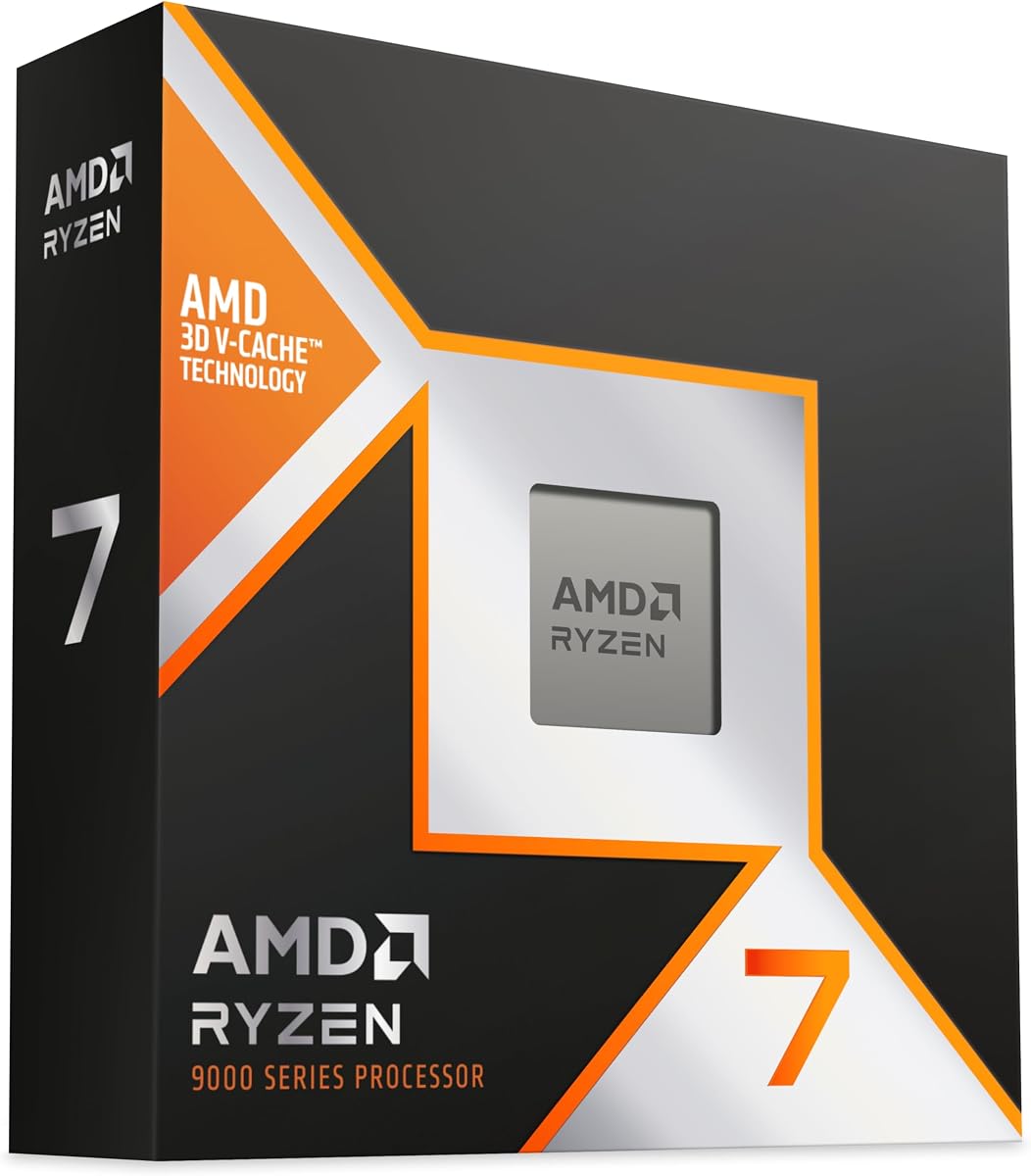
Known for gaming speed, this chip also offers strong performance for specific 3D tasks due to its massive cache. With a 4.8 rating, it shines in applications that benefit from low latency data access.
We may earn a commission when you buy through this link, at no additional cost to you.
The 96MB L3 cache allows for rapid access to geometry data, which helps in viewport performance. Its high clock speeds ensure that single-threaded tasks like modeling remain smooth and responsive.
While it has fewer cores than some competitors, its efficiency makes it a compelling option for mixed use. Users who switch between creative work and gaming will find this chip balances both needs well.
If you need a powerful machine that does double duty, this is a smart pick. It delivers high performance without the extreme power draw of workstation-class processors.
The large cache reduces the time the processor waits for data which improves interactive performance.
This chip is ideal for users who need both productivity power and gaming capability in one system.
We may earn a commission when you buy through this link, at no additional cost to you.
This processor continues to be a favorite for mixed workloads thanks to its optimized cache design. With a 4.8 rating, it provides dependable performance for tasks that do not need extreme core counts.
We may earn a commission when you buy through this link, at no additional cost to you.
The 96MB cache helps keep frequently used data close to the cores, which accelerates viewport responsiveness. This makes it a pleasure to use for detailed modeling and animation tasks.
While it lacks the latest Zen 5 efficiency, it remains a very capable chip for creative work. Its power efficiency means it runs cooler and uses less electricity than many competitors with similar performance.
For users looking for value and reliability in a workstation build, this is a strong contender. It offers excellent performance for modeling and light rendering without excessive thermal output.
The design prioritizes performance per watt which helps in reducing heat in smaller workstation cases.
The large cache ensures that moving around complex models remains fluid even without top tier core counts.
We may earn a commission when you buy through this link, at no additional cost to you.
This model offers a high core count at an attractive price point for those using older AM4 platforms. With a 4.8 rating, it delivers strong multi-threaded performance suitable for heavy rendering workloads.
We may earn a commission when you buy through this link, at no additional cost to you.
The 16-core design provides ample parallel processing power which is essential for complex scene calculations. It supports DDR4 memory which keeps system costs lower compared to DDR5 platforms.
However, it is limited to older PCIe 4.0 standards which might affect high-end GPU performance. For users upgrading an existing AM4 system this is a great way to extend the life of the platform.
If you need robust multi-threaded performance without switching to a new platform, this fits well. It delivers reliable throughput for rendering tasks while keeping hardware upgrade costs manageable.
For those with existing AM4 boards this provides a high performance upgrade path without buying new components.
The 32 threads ensure that large batch renders finish quickly allowing for more productivity in a day.
We may earn a commission when you buy through this link, at no additional cost to you.
This processor brings together high clock speeds with a high core count for a powerful hybrid performance. With a 4.7 rating, it is built for users who need top tier power for both gaming and creation.
We may earn a commission when you buy through this link, at no additional cost to you.
The 5.7 GHz boost ensures that single-thread tasks remain snappy while the 16 cores handle heavy workloads. It leverages Zen 5 architecture to deliver excellent performance per watt compared to older generations.
The cost and power requirements are higher than standard chips but the performance gains are significant. It is designed for professionals who need the absolute best speed available in a standard desktop format.
For those prioritizing peak performance and are willing to pay a premium this is ideal. It ensures that you can handle the most complex projects without worrying about hardware limitations slowing you down.
The high boost clock ensures that individual thread tasks complete as fast as possible.
The core count matches professional needs ensuring that large projects do not stall during processing.
We may earn a commission when you buy through this link, at no additional cost to you.
This model represents the latest advancements in consumer processor technology with efficient caching. With a 4.8 rating, it is designed for users who prioritize speed and thermal efficiency in their workflow.
We may earn a commission when you buy through this link, at no additional cost to you.
The high cache configuration reduces data latency significantly improving viewport smoothness. It runs on the latest Zen 5 architecture which delivers better instructions per clock than previous generations.
While it has fewer cores than flagship options its efficiency makes it very practical. Users will find that it runs cooler and quieter than high wattage chips while maintaining strong performance.
If you value thermal performance and new features this is a great choice. It offers a balance of speed and efficiency that is ideal for modern mixed workloads.
The latest design offers more instructions per clock which translates to faster processing of standard tasks.
It runs at lower temperatures which helps in reducing noise and energy costs over time.
We may earn a commission when you buy through this link, at no additional cost to you.
This alternative processor offers a high core count with a mix of performance and efficiency cores. With a 4.6 rating, it is designed to compete with top AMD chips in multi-threaded tasks.
We may earn a commission when you buy through this link, at no additional cost to you.
The 24 cores provide substantial power for parallel processing tasks which helps in complex rendering. It supports the latest PCIe 5.0 and DDR5 standards ensuring that system bandwidth is not a bottleneck.
However availability might be limited to specific regions which could be a hurdle for some users. For those who can access it it is a powerful option that offers great raw throughput for creation.
If you are looking for an Intel-based option with high core counts this is a strong candidate. It delivers robust performance for multi-threaded workflows without sacrificing modern connectivity features.
The mix of cores allows for efficient background task handling without impacting main performance threads.
Support for PCIe 5.0 ensures that future high-speed storage and GPU upgrades will be supported.
We may earn a commission when you buy through this link, at no additional cost to you.
This processor is designed for professionals who need a stable platform for intensive workloads. With a 4.8 rating, it offers reliable performance for heavy simulation and rendering tasks.
We may earn a commission when you buy through this link, at no additional cost to you.
The 16-core design provides ample power for parallel computing. It utilizes DDR4 memory which can be more cost-effective for large capacity workstation setups.
While it uses slightly older memory tech the stability and performance remain top tier. It is a robust choice for workstations that need to run continuously without performance degradation.
For businesses needing reliable multi-threaded performance this is a solid option. It ensures that workstations remain productive for years without needing immediate upgrades.
The professional features ensure that the system remains stable during long compute jobs.
DDR4 support allows for building large memory systems at a lower cost.
We may earn a commission when you buy through this link, at no additional cost to you.
Selecting the right CPU for 3D rendering involves balancing core count clock speeds and platform features. This guide outlines the key factors to consider for your specific workflow needs.
Core count is critical for rendering tasks that can be parallelized. More cores allow you to process multiple frames or complex geometry simultaneously which drastically reduces wait times.
Prioritize at least 12 to 16 cores for serious work while gamers or beginners can manage with fewer cores.
While rendering uses many cores modeling and viewport navigation rely heavily on single-thread speed. A high boost clock ensures your software responds instantly when you interact with your scene.
Look for chips with boost clocks above 5 GHz to keep your workflow fluid and responsive.
L3 cache stores frequently accessed data close to the processor cores reducing latency. Larger caches help improve performance in scenes with many unique textures and models.
AMD processors with X3D cache often excel in this area making them strong contenders for interactive work.
Consider how long the platform will receive support and upgrades. Socket AM5 offers a promising future path for new chip generations without needing to change motherboards.
Choosing a modern platform ensures your system stays relevant longer than older sockets like AM4.
3D rendering often requires large amounts of RAM which is accessed via the CPU. DDR5 offers higher bandwidth than DDR4 which helps when processing massive textures.
Ensure the CPU supports the memory speed your software requires to avoid bottlenecks.
Higher performance often comes with higher power consumption and heat. Workstation chips typically have high TDPs requiring robust cooling solutions to sustain peak speeds.
Budget for a high-quality air or liquid cooler to maintain performance during long renders.
Some 3D applications favor specific instruction sets or architectures. Research what your primary software (e.g. Blender Maya 3ds Max) recommends for best results.
Matching the CPU architecture to software needs ensures you get the most out of every core.
Determine what you can spend before shopping as prices vary widely between consumer and workstation chips. Consumer chips offer great value while workstation chips offer extreme core counts.
Balance your budget with the time you save on renders to find the most efficient option.
Ensure your cooling solution is properly installed before powering on the system. This prevents overheating which can reduce performance or damage the processor during intensive rendering jobs.
Keep your BIOS and system drivers updated to take advantage of performance patches and compatibility fixes. Manufacturers often release updates that improve stability for specific rendering workloads.
Monitor temperatures and clock speeds during your first few renders to ensure stability. If you notice thermal throttling consider improving airflow or upgrading to a more capable cooler.
Workstation CPUs offer more cores and memory bandwidth which helps with complex scenes but consumer CPUs are often sufficient for hobbyists. Choose based on the complexity of your projects and your budget.
For general work 16 cores is a sweet spot that handles most tasks well. If you do heavy rendering or simulation 32 cores or more will significantly speed up your workflow.
Yes cache memory helps reduce data access times which improves viewport performance. Chips with larger cache often provide smoother experiences when working with detailed models.
DDR5 provides higher bandwidth which can reduce bottlenecks in data-heavy tasks. While it helps the impact is most noticeable in very large scenes or texture-heavy projects.
A well-maintained CPU can last for several years but rendering demands are high. Expect to see upgrades every few years as software becomes more demanding and hardware prices adjust.
High-end CPUs often benefit from liquid cooling due to higher thermal loads. If you want to sustain boost speeds under heavy loads liquid cooling is recommended.
We have explored the top options available including the AMD Ryzen 9 9950X and Threadripper PRO 7975WX for those seeking raw power. These chips cover a wide range of needs from beginners to professionals.
When choosing prioritize core count for rendering tasks and single-thread speed for modeling. The right CPU will help you spend less time waiting and more time creating.
Prices change frequently so check current listings before making your purchase. The best processor for you depends on your specific budget and the complexity of your 3D projects.